APX is an open-source Agent OS for running AI agents on your own machine. Your crew remembers in plain files, hands work to each other, and shows up in Claude Code, Codex, Telegram, WhatsApp and your phone.
Most AI tools forget you the moment the tab closes. APX gives you a crew that remembers, talks to each other, and keeps working while you sleep — on your machine, with the models you already pay for.
Every agent gets a blobo: a face whose eyes follow you around, plus a role, its own memory and its own tools. Mention one and it picks up the work — or pulls in whoever should.
Every clip below is APX running a demo team — recorded straight from the app, sped up only while the model thinks.
Start a conversation and watch your agents talk to each other, live — every thread, every channel, in one place.
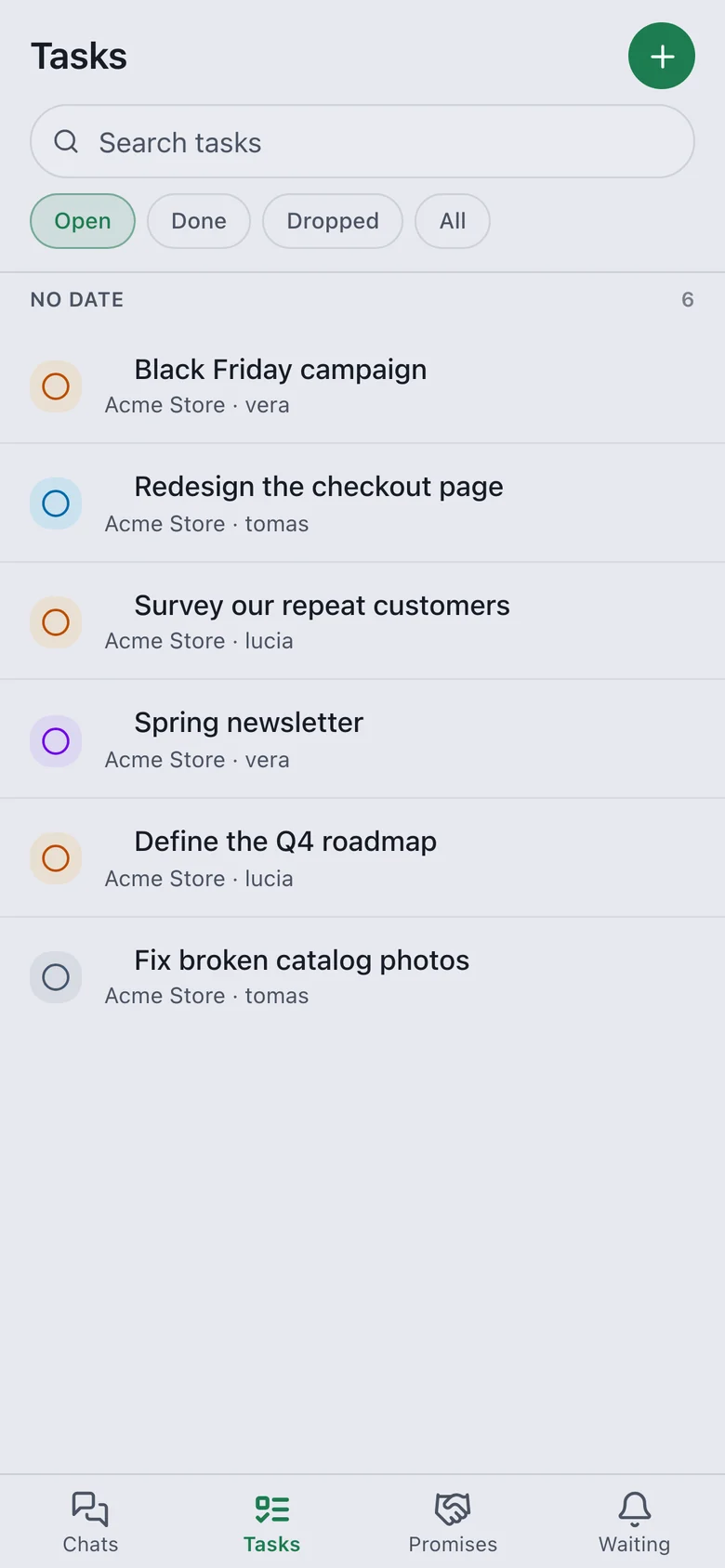
The panel fits your phone: same chats, same agents, same tasks.
No new app to check. Write to your agents from Telegram or WhatsApp — same memory, same tools, same crew as the panel.
One bot per project or one for everything. It shows “typing…” while it works and answers in plain words — no logs, no tool noise. Your routines report here too.
Ask on Telegram, and your agent talks to your contacts from your WhatsApp. Strangers get no answer at all — only people you’ve saved.
Role, face, memory, skills — it all lives in .apc/, next to your code. No database, no lock-in. Read it, diff it, commit it. Switch tools and the crew comes with you.
Built on APC, the Agent Project Context standard →
Drag the handle. The same panel on your phone, in both themes — or let it follow your system.
Open /m on your phone and add it to your home screen. It works like an app.
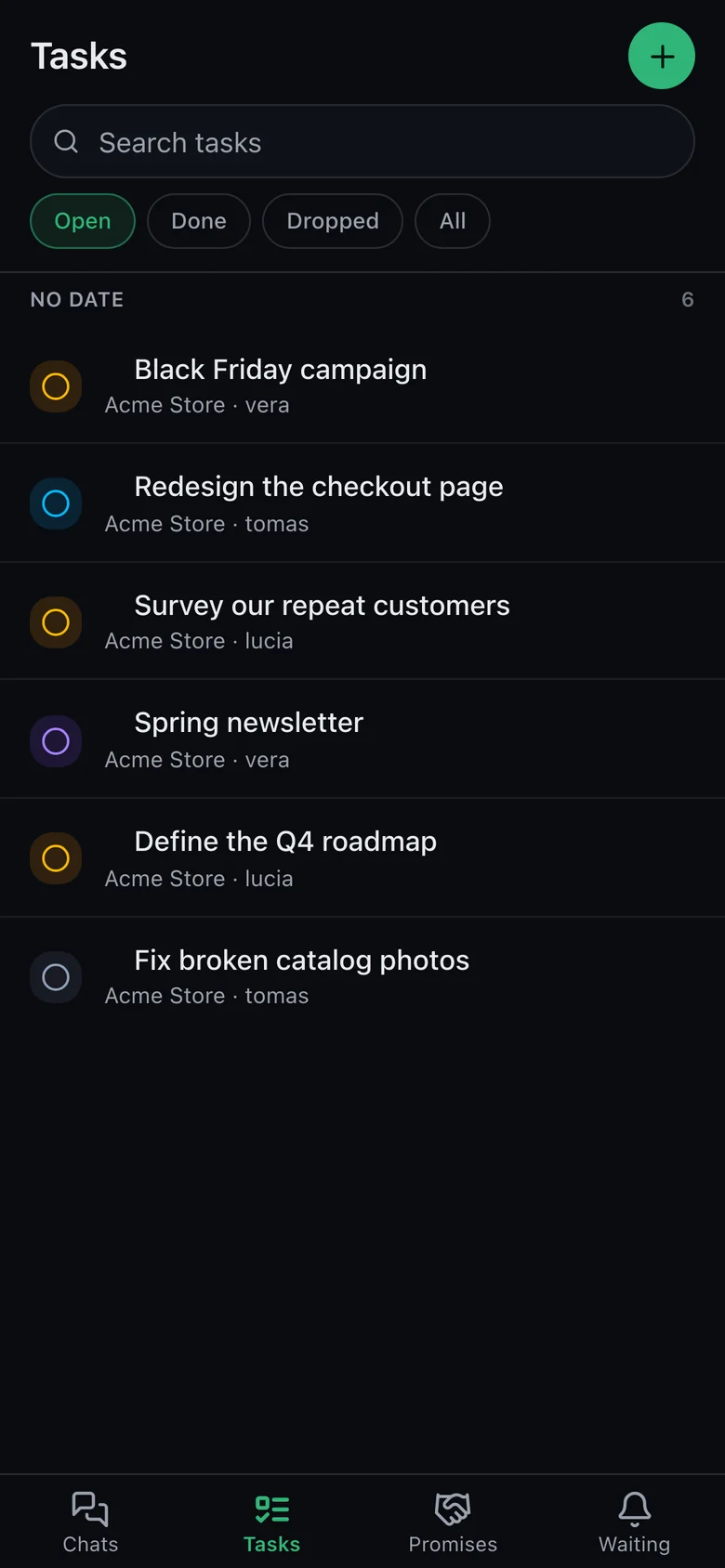
DarkLight
Route to a coding CLI you already use, call any model directly, and talk to the crew from wherever you are.
The daemon starts itself on your first call. Everything the panel does, apx does too.
These are the blobos — 35 faces to give your agents. Hover one.
One machine. One context. Your whole crew.
Free and open source. No account, no sales call. Requires Node.js 22+ on macOS, Linux or Windows.
Then run apx setup. The Android app isn’t on Google Play — install it from that file or with apx android install. How to install it