





Start here
What APX is, how to install it and your first ten minutes.
Your own team of AI agents, on your machine. A super-agent that answers you anywhere, and a crew per project that works with your tools.
It installs on this computer. For a server, run it there over SSH, or let the desktop app install it. APX on a server →
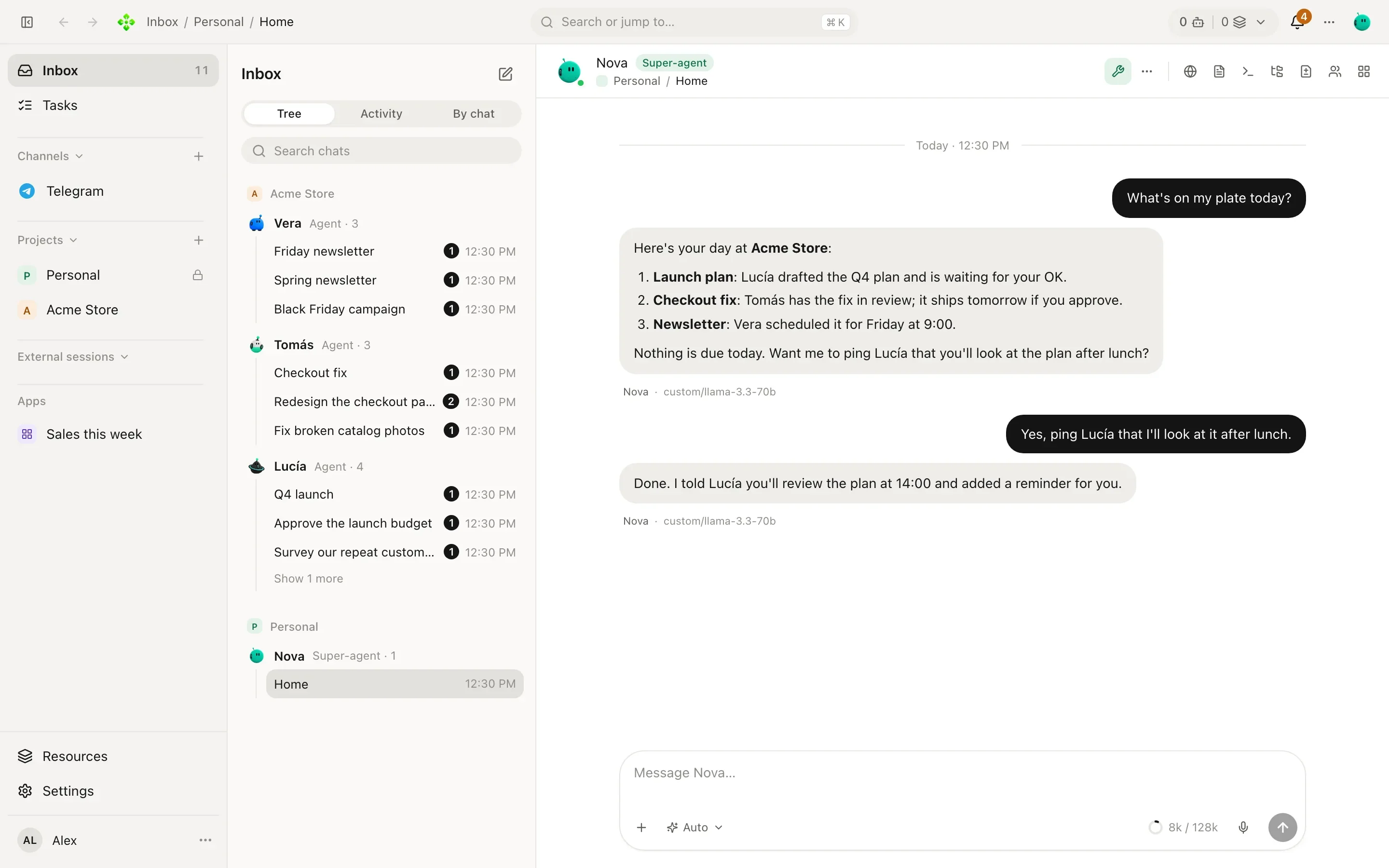
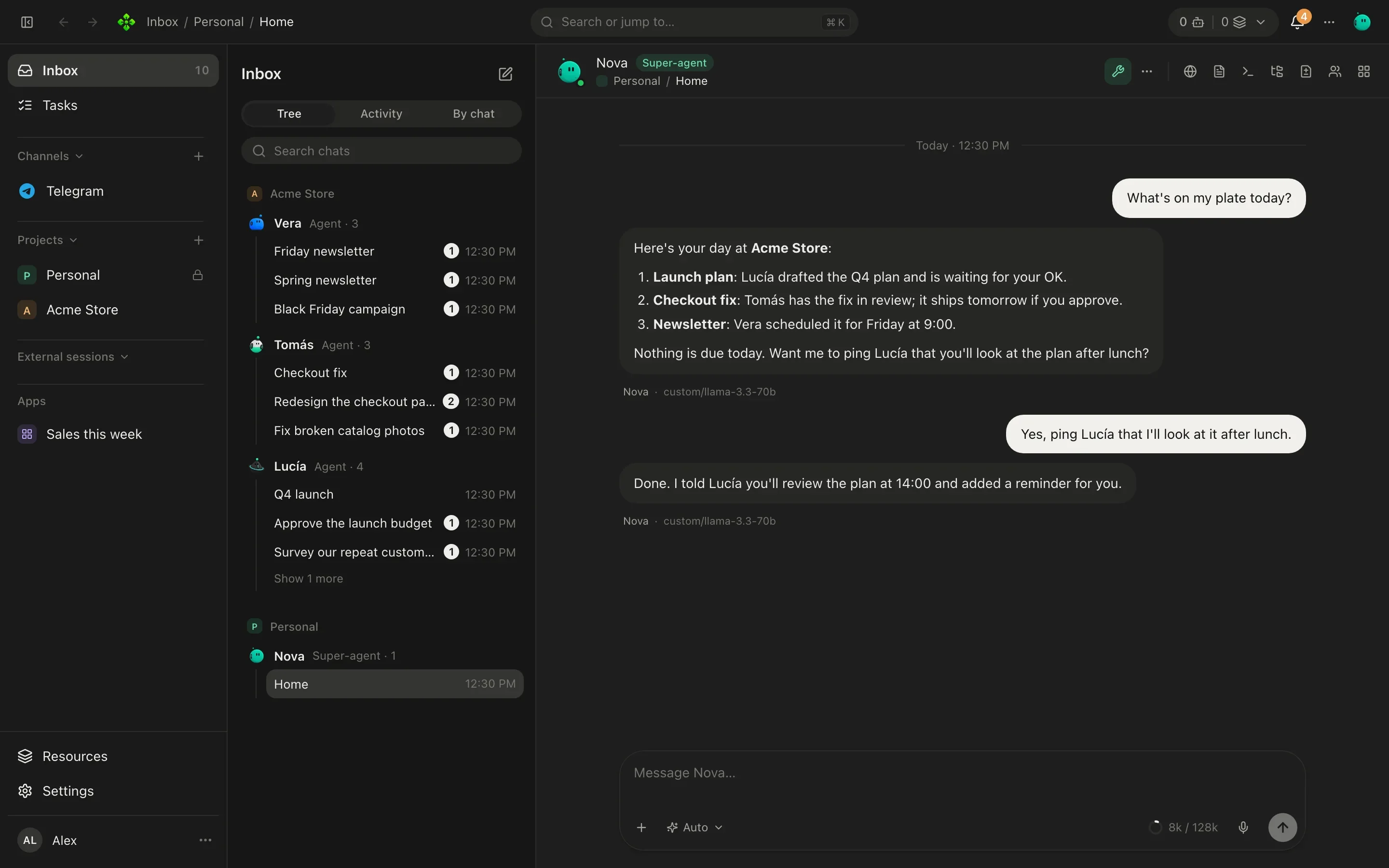
Every screenshot is the real app, in the theme you are reading in.
New in v2
A crew that works together, a browser they can drive, little apps they build for you, and the chats and phone you already carry.
Home, your secretary, plus an agent per role in each project. They hand work to each other and you watch it as a card in your chat.
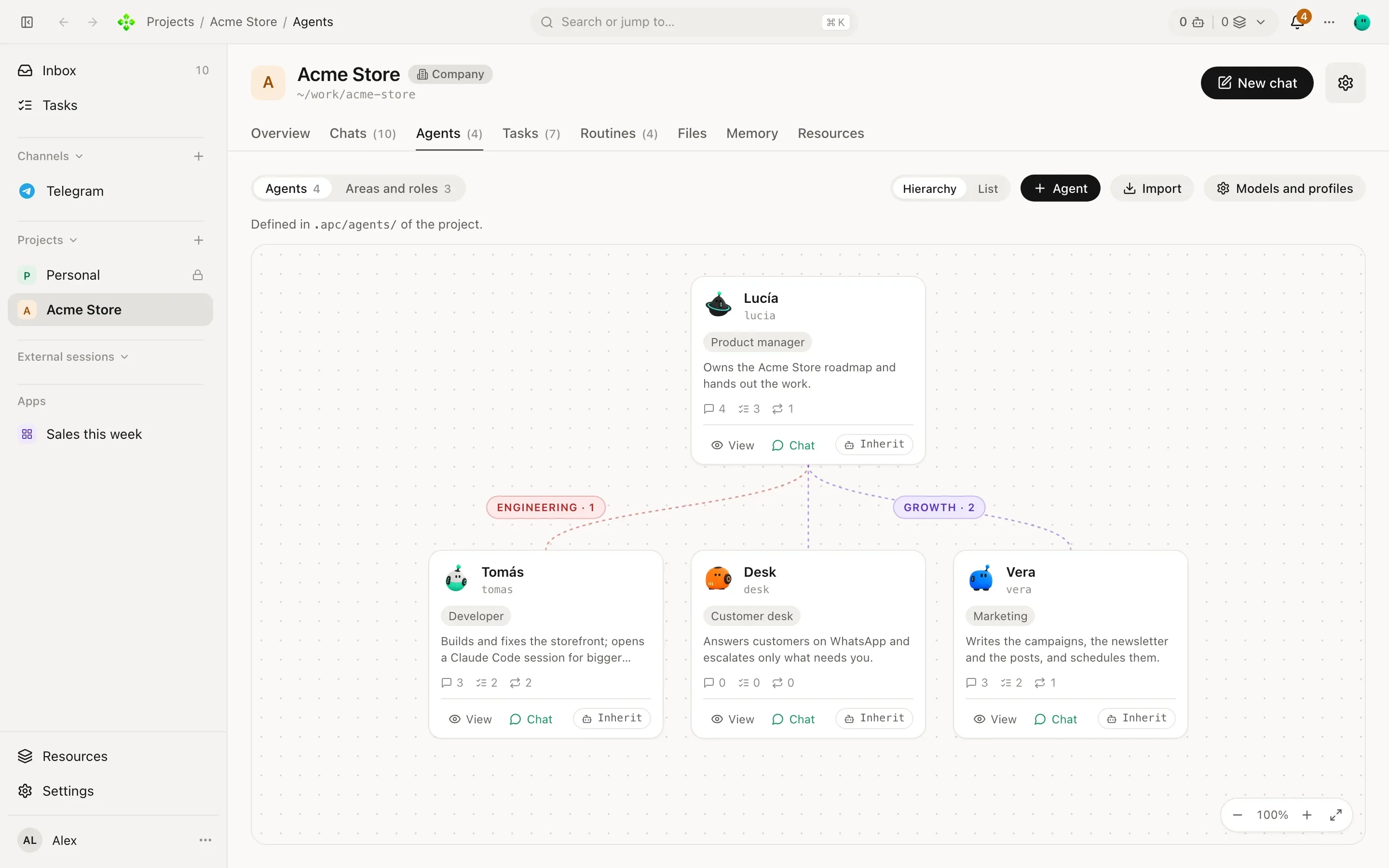
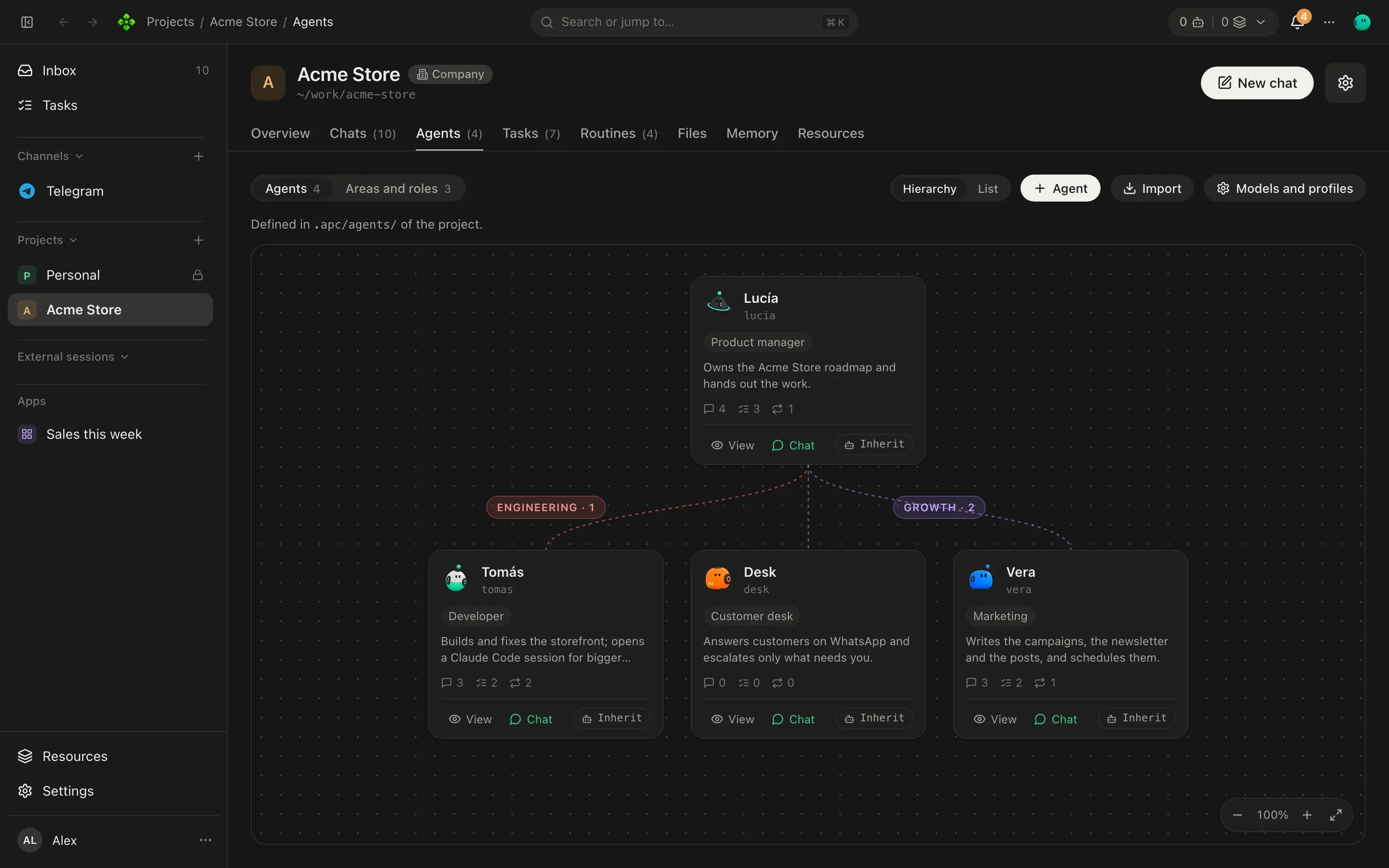
The desktop app carries a real browser your agents can open, read and click through, in tabs you can watch. Passwords and payments stay with you.
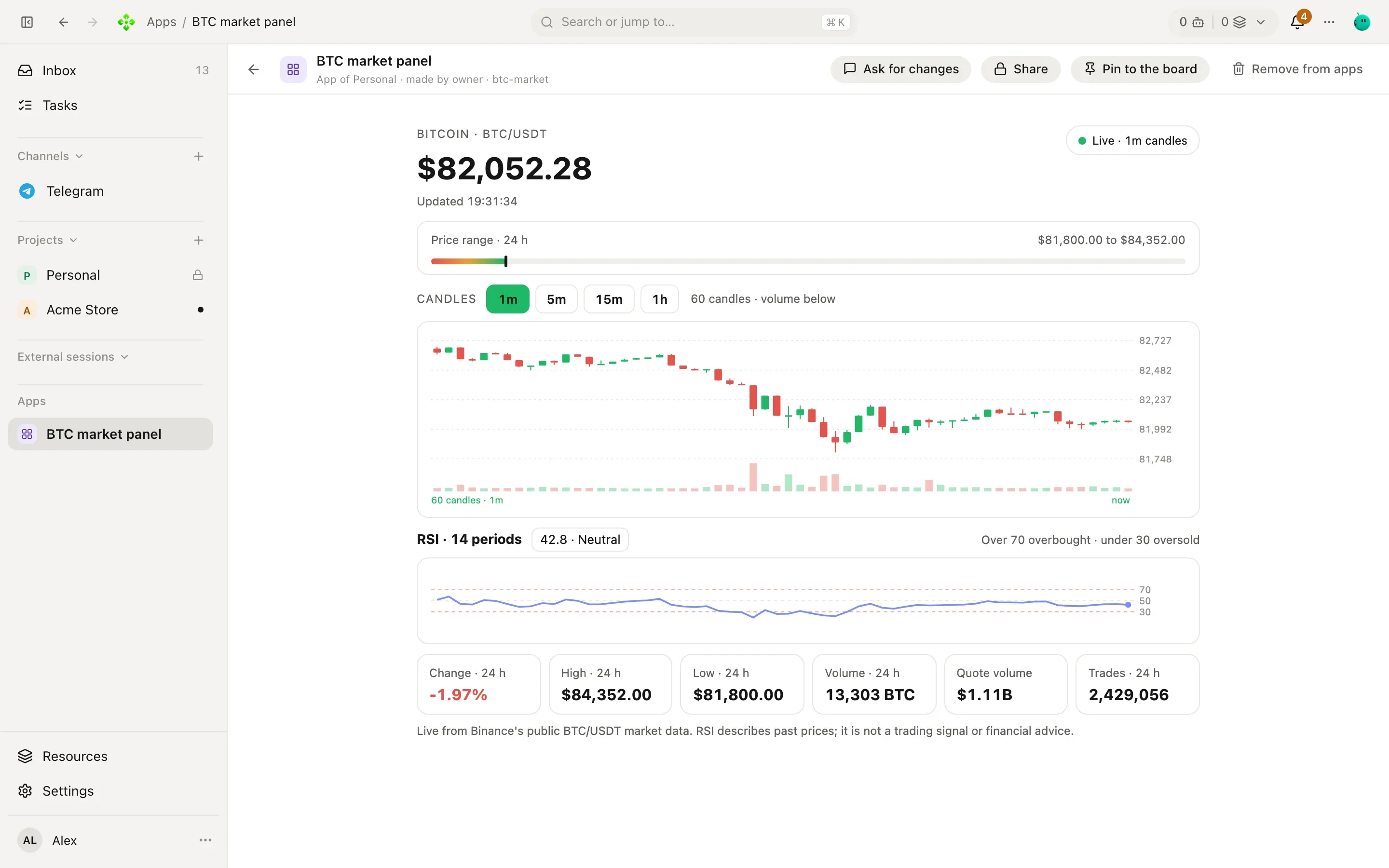
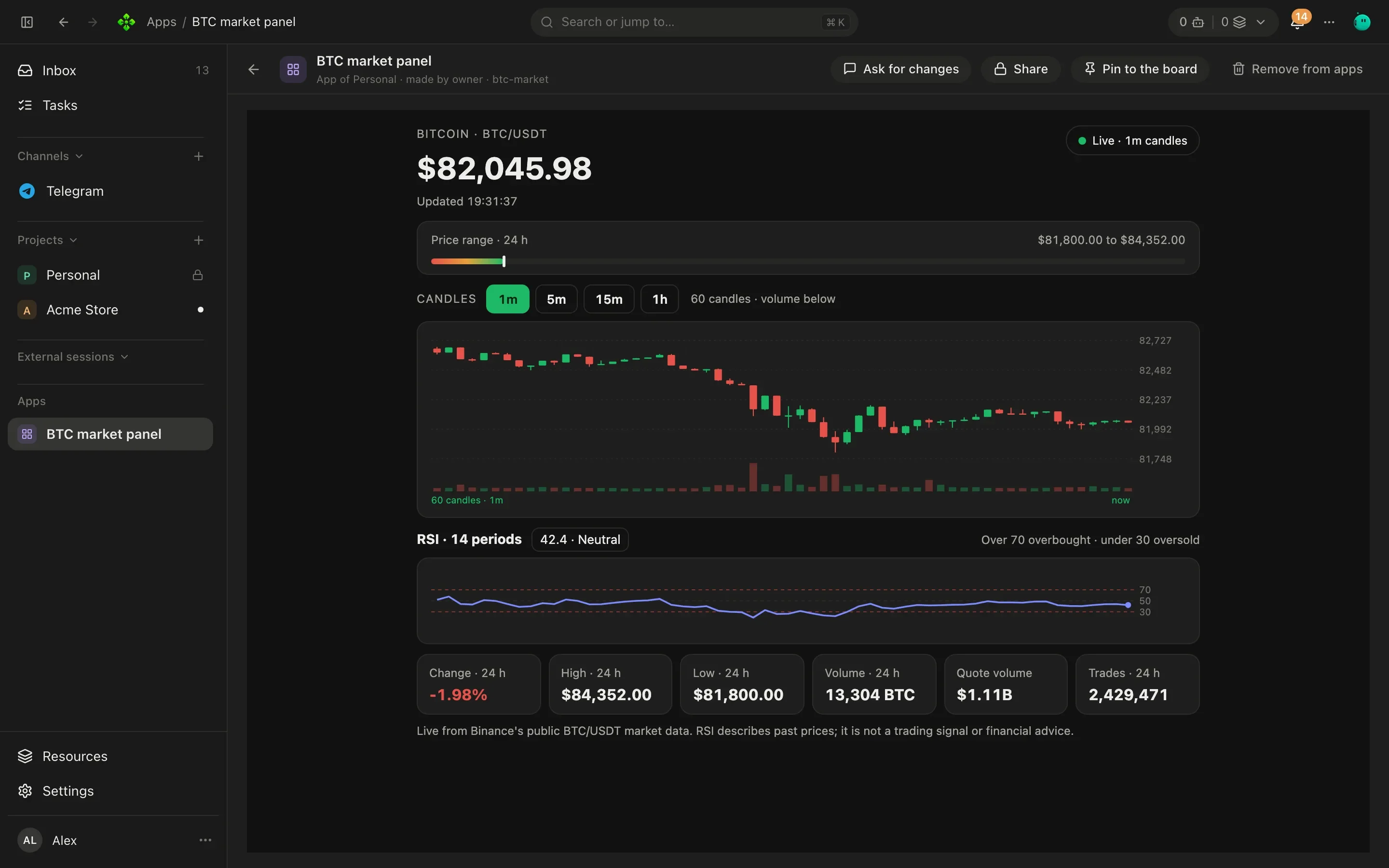
Ask for a chart, a checklist or a small tool: an agent builds it, and you pin it to the project's board or open it full screen.
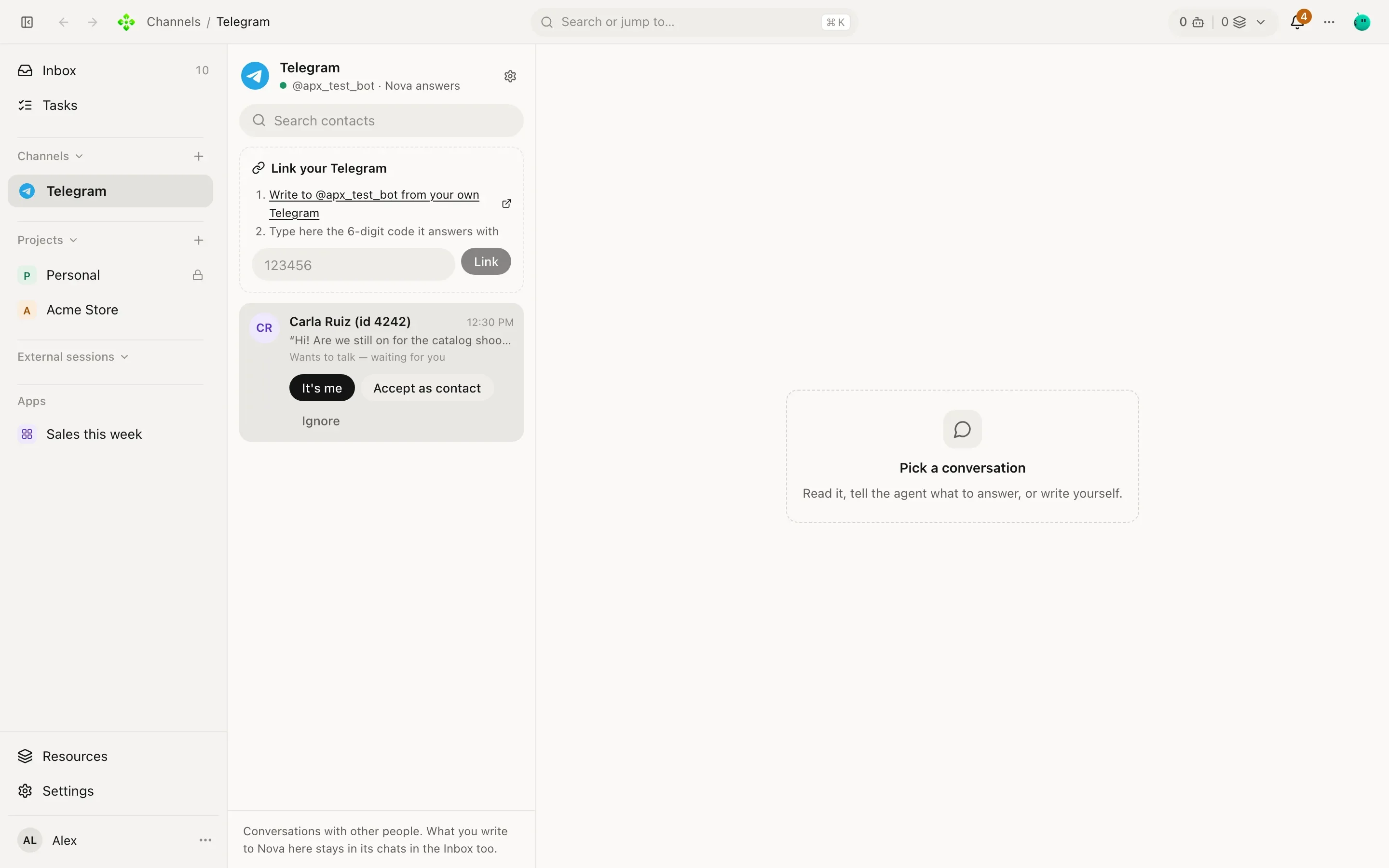
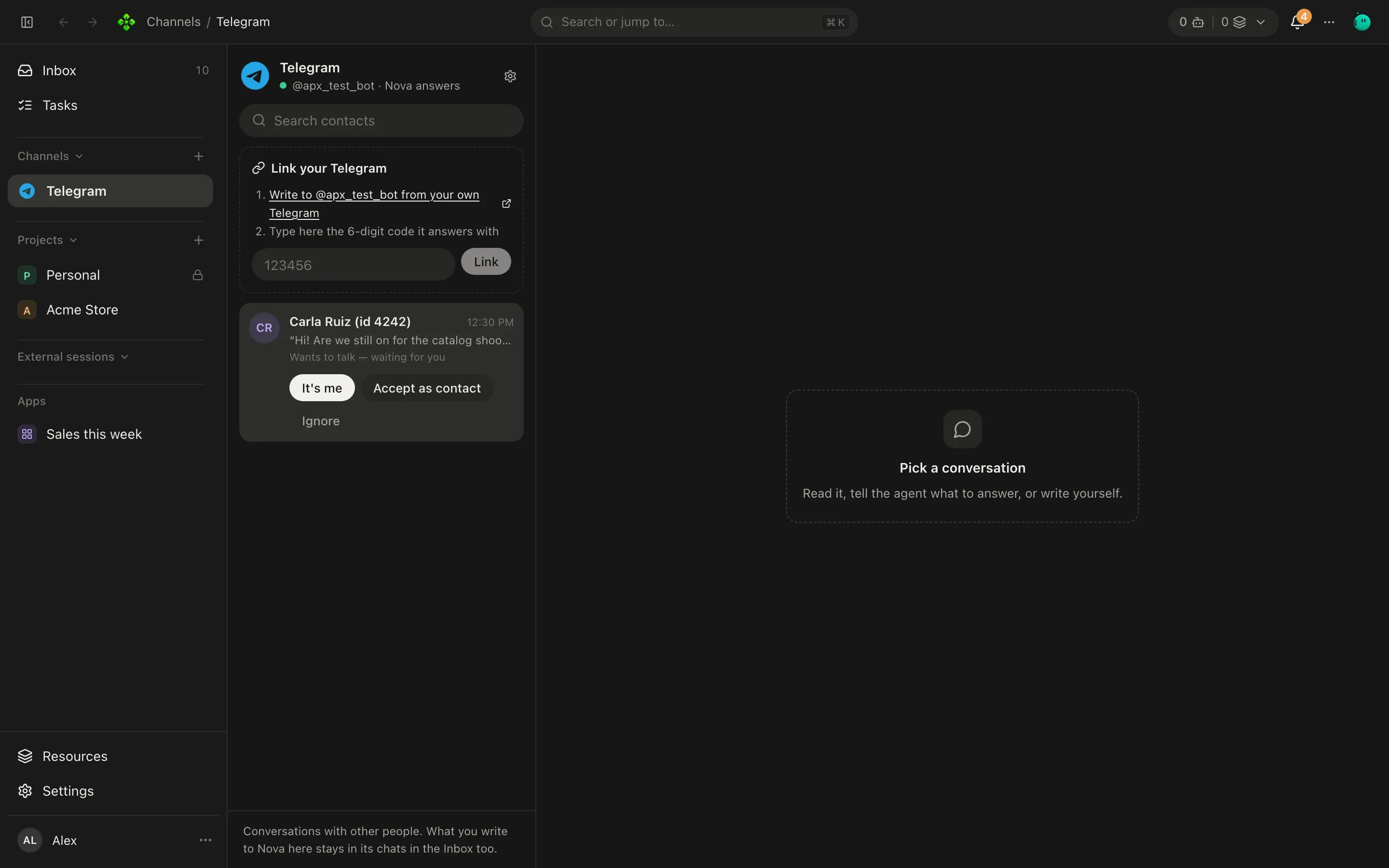
Telegram, WhatsApp, Discord, Slack and iMessage. Each contact and each room is one conversation, with the same memory as the app.
Pair your phone with a code and talk to Home from anywhere. The Android app is in the releases; it installs beside v1's.
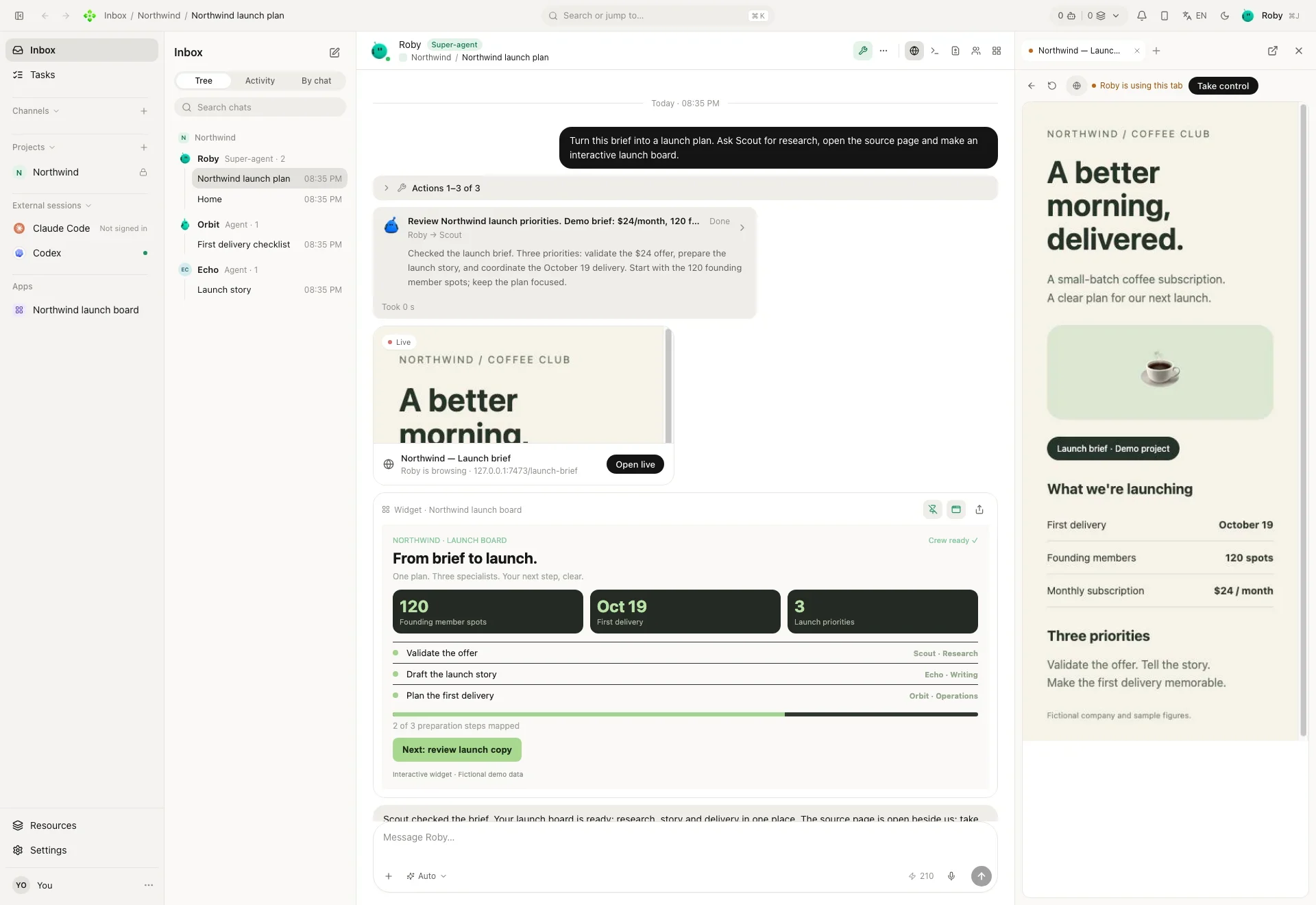
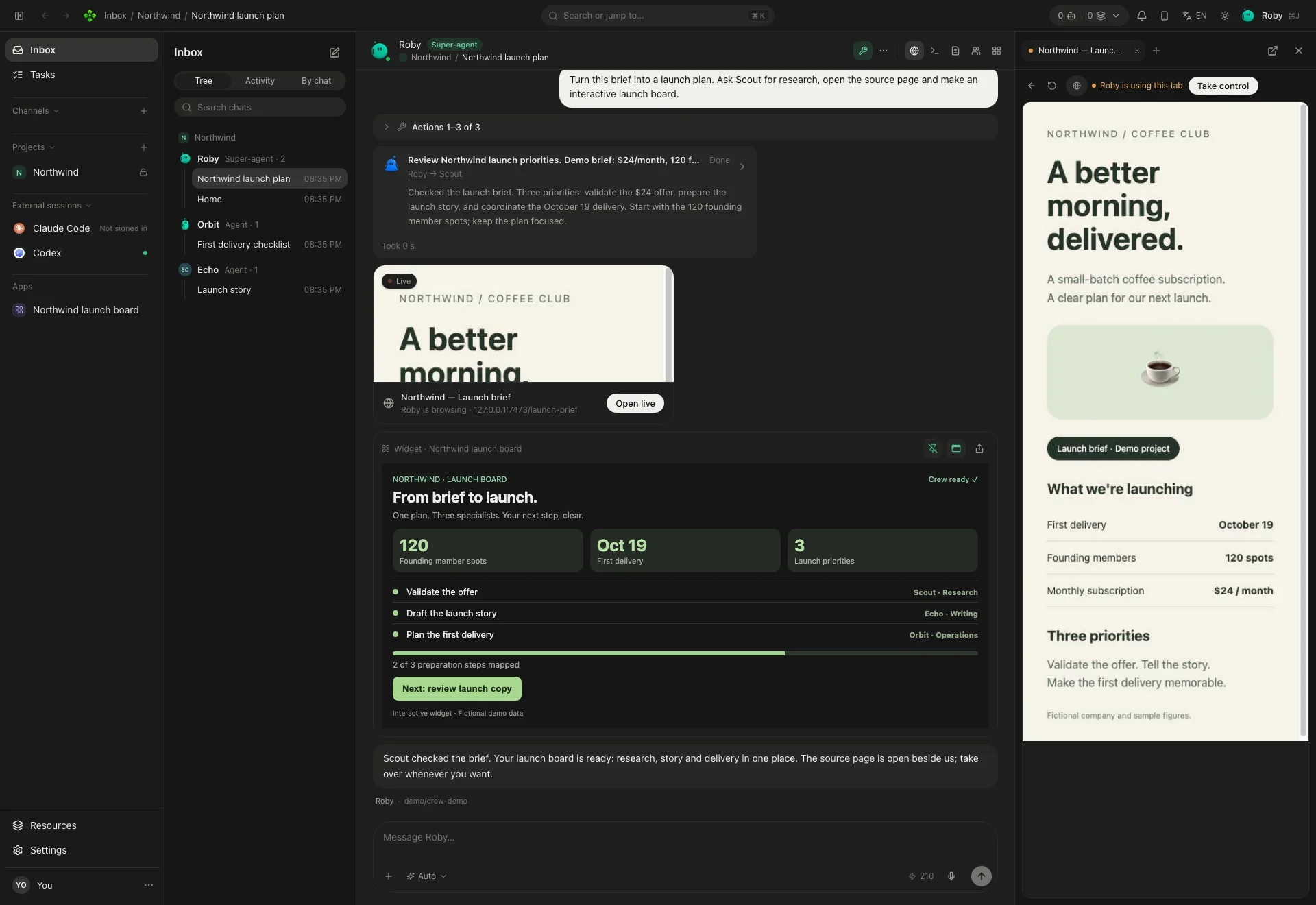
One chat, the whole crew
You ask once. Roby, the super-agent, hands the research to Scout, opens the source page in the browser beside the chat and builds an interactive board you can pin.
Download the beta
The desktop app brings its own core. On a server or a VM, one line installs the core alone.
Your system warns you the first time. That is expected; here is how to go on.
xattr -dr com.apple.quarantine /Applications/APX.appchmod +x APX-*.AppImageThree steps
Find your way
Seven sections. Start at the top or jump straight in.
What APX is, how to install it and your first ten minutes.
Agents, projects, conversations, models, autonomy and memory.
Chat, tasks, routines, the secretary, the board and the browser.
Talk to your crew from Telegram, WhatsApp, Discord, Slack and iMessage.
Skills, MCP servers, extensions, integrations and outside clients.
The desktop app, your phone, and a core on a server you reach from anywhere.
Every apx command, every setting, and what to do when something breaks.
Prefer the terminal?
Ask Home without leaving your shell.
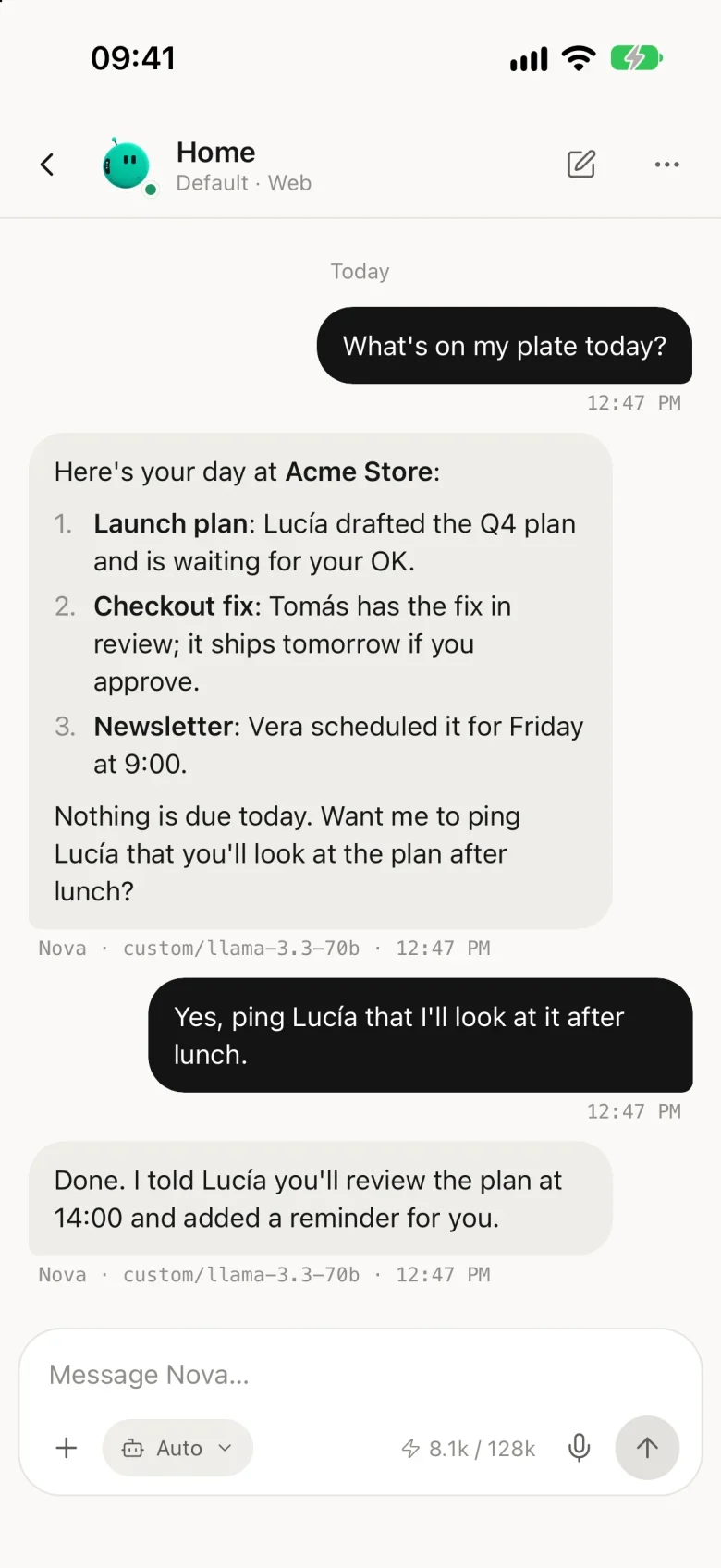
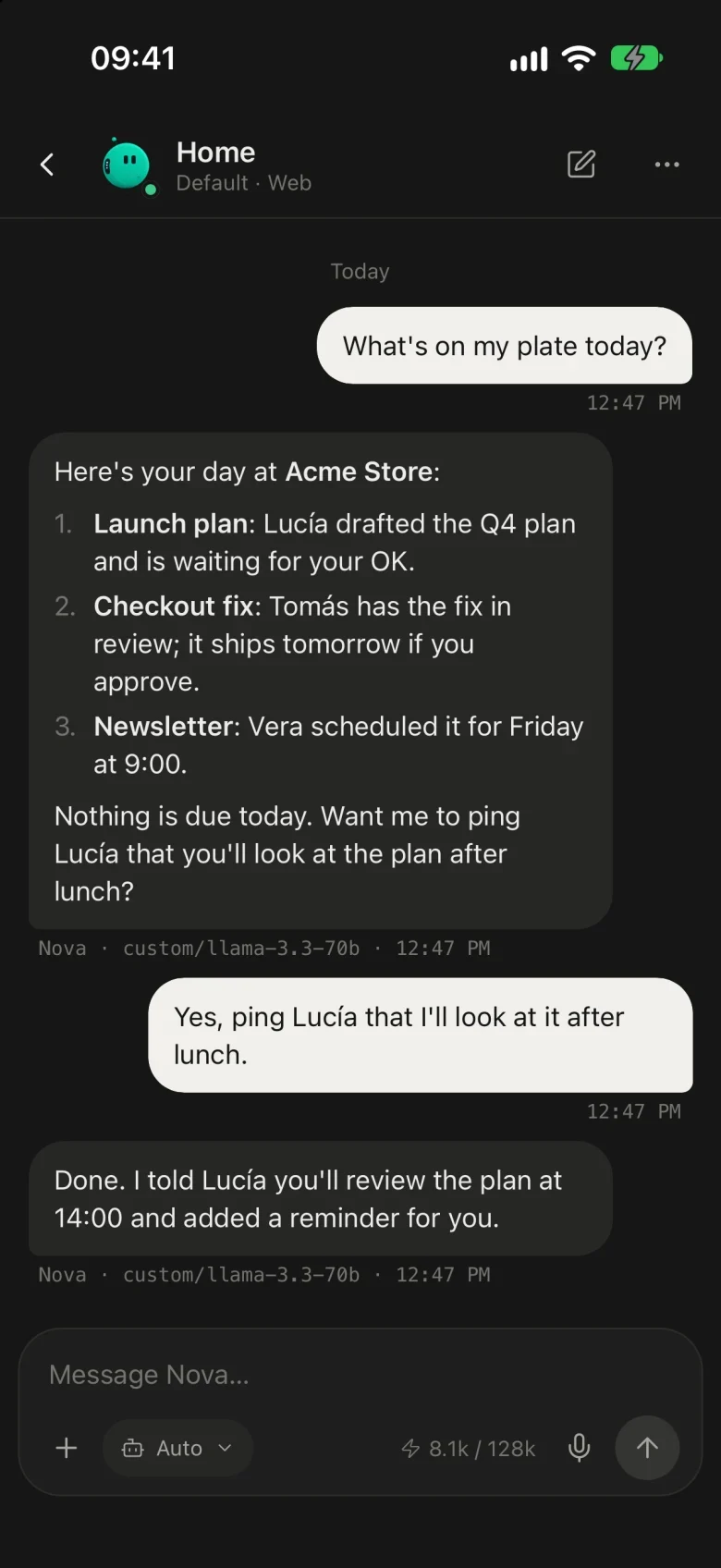
❯ apx chat "What's on my plate today?"
# Home, in Acme Store
You have three open things in Acme Store:
• Lucía drafted the launch plan and is waiting for your OK.
• Tomás has the checkout fix in review.
• Vera scheduled the newsletter for Friday at 9.
✓ Nothing is due today.
These are the blobos: 35 faces to give your agents.
One machine. One context. Your whole crew.
Free and open source. Your data stays on your machine.