

One core
A single background process owns everything: agents, chats, tasks, memory. Every app is a client of it.
APX is a crew of AI agents that lives on your machine. You get a secretary that knows you, agents that work inside your projects, and a browser they can drive while you watch. You reach them from wherever you are: the desktop app, the terminal, your phone, or the chat apps you already use.
It is open source and runs on your computer or on a server you own. Your projects stay plain folders, your state stays in one local database, and the models are yours: your subscription or your API keys.
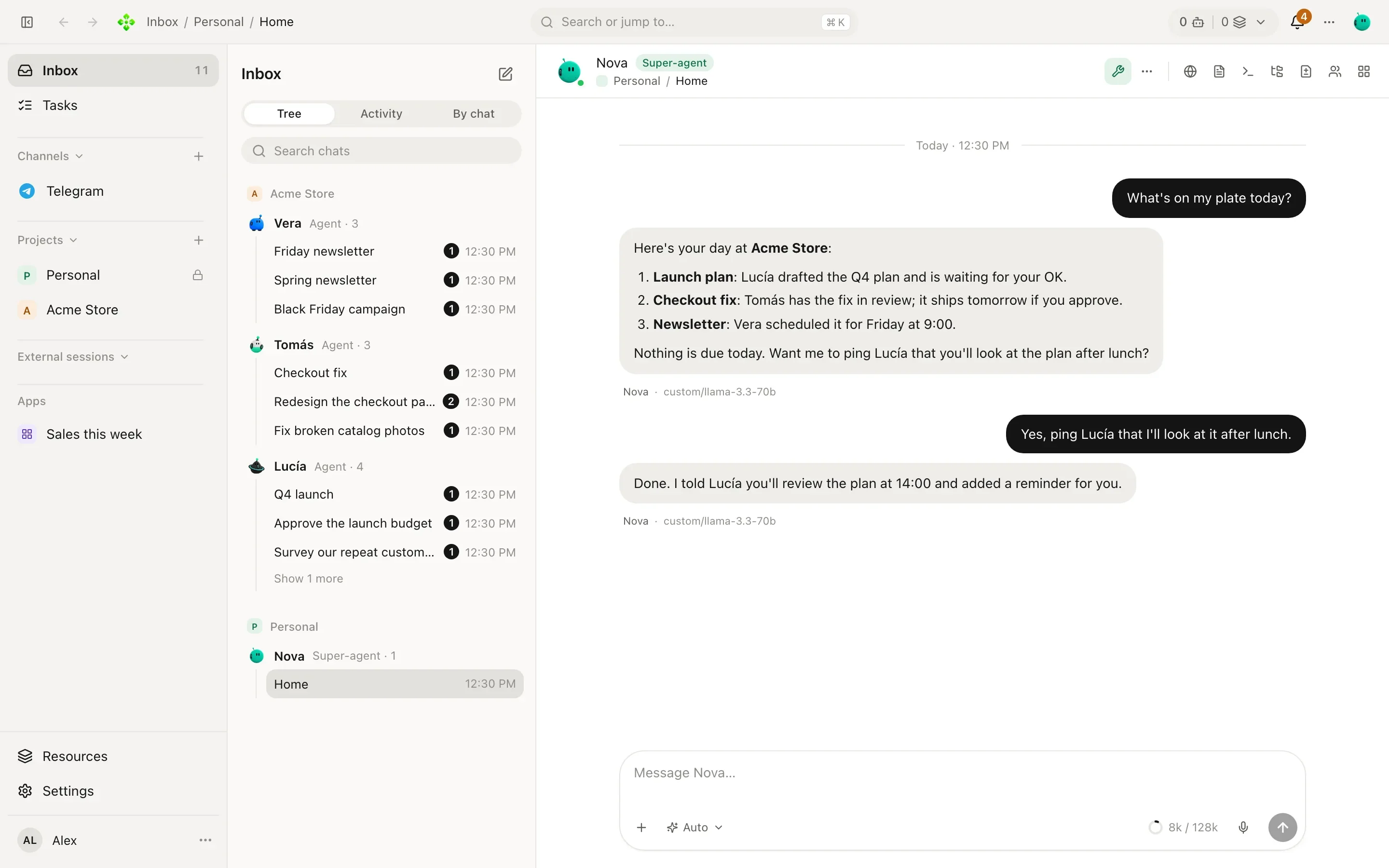
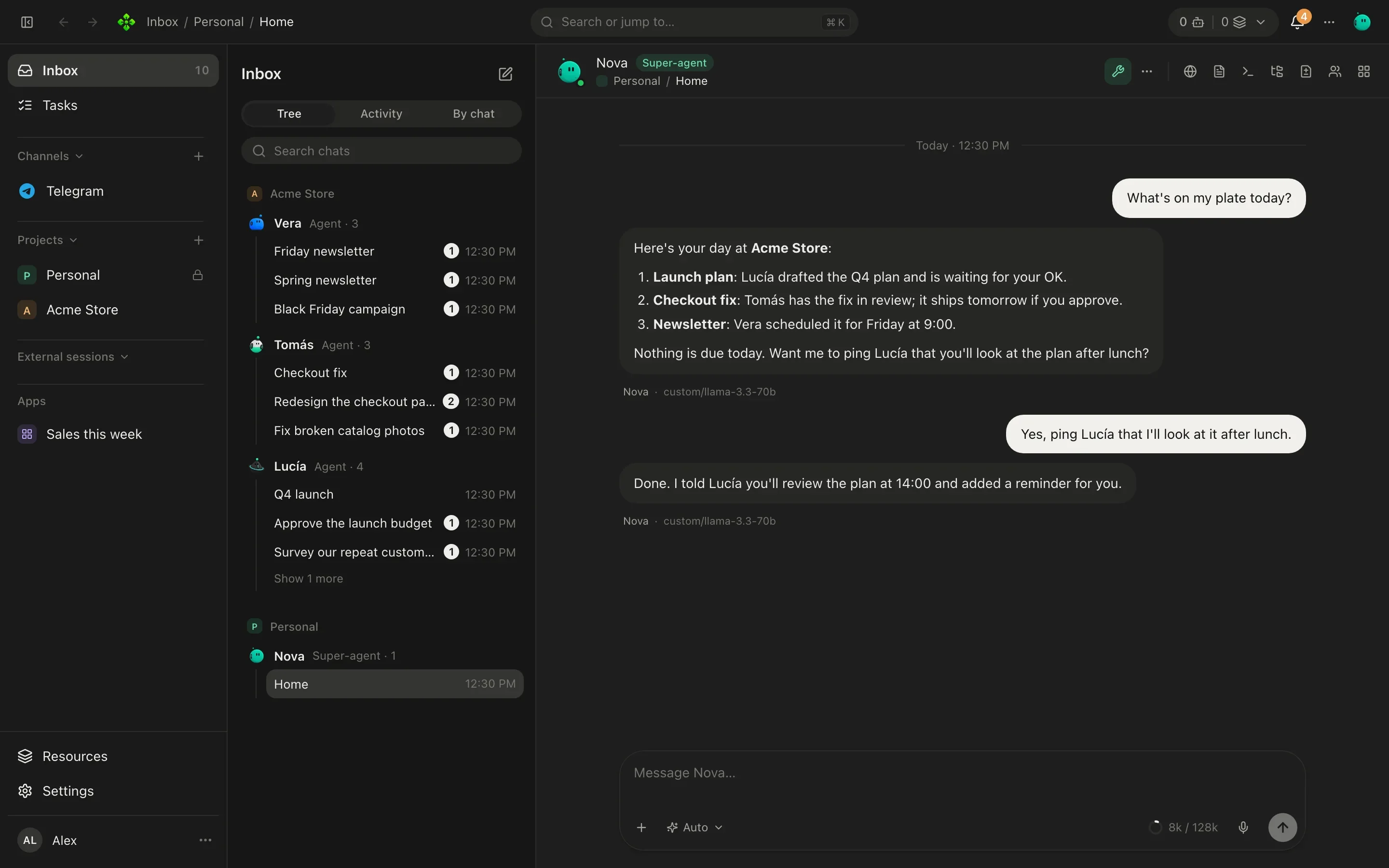
The desktop app is the easiest start: download it from Install and follow the setup. From a
terminal, one line installs the core and the apx command, and apx desktop then opens the app:
❯ curl -fsSL https://agentprojectcontext.github.io/apx/v2/install.sh | bash
❯ irm https://agentprojectcontext.github.io/apx/v2/install.ps1 | iex
You talk to all of them from the desktop app, the apx terminal, your phone, and Telegram, WhatsApp,
Discord or Slack. Every one of those is a window onto the same core, so nothing gets out of sync.
One core
A single background process owns everything: agents, chats, tasks, memory. Every app is a client of it.
Projects are folders
A project is a folder with AGENTS.md and .apc/, the open APC standard. Agents are files you can read and commit.
Threads, runs, steps
A conversation is a thread; each agent turn in it is a run; each tool call is a step. All of them survive a restart.
Your models
Gemini, Anthropic, OpenAI, your ChatGPT plan, Ollama and more. A router picks the model per turn and falls back.
Autonomy you choose
Each agent asks before changes, asks only when it matters, or runs on its own. Outside text is never an order.
An office
Tasks, commitments, routines, memory and a board of live widgets, shared by you and the crew.
APX v2 is a rewrite with one rule: there is one way to do each thing. Where v1 had many paths for the same job, v2 has one, and every client goes through it.
| What | v1 | v2 |
|---|---|---|
| Code paths that run an agent turn | about 23 | 1 |
| Ways to talk to an agent | about 40 | 1 (threads.send) |
| Ways for one agent to talk to another | 12 | 1 |
| Ways to build what the model reads | 9 | 1 |
| Places where a conversation lives | 10 | 1 (thread, run, steps) |
| API surface | about 378 endpoints | one typed registry of about 230 methods |
Every step of every turn sends the system prompt and the tool definitions again, so their size is paid over and over. APX keeps them small, and a test fails the build if they grow past the budget.
| App | First model call of a fresh install |
|---|---|
| APX v2 | ≈ 8,100 tokens |
| Hermes | ≈ 13,000 tokens |
| APX v1 (Telegram, terminal, desktop) | ≈ 13,200 tokens |
| OpenClaw | ≈ 13,200 tokens |
| APX v1 (web chat, API, routines) | ≈ 23,600 tokens |
MCP tools are found with a search tool instead of being sent one by one. On a real install with ten MCP servers, a one-line answer went from about 64k tokens to about 12k, and from the second call roughly 97% of it comes from the provider’s prompt cache.