
Routines
A routine is work an agent does on its own, on a schedule: a stock check every weekday morning, a look at open pull requests every hour, a weekly summary for a client. You hear back only when there is something to say.
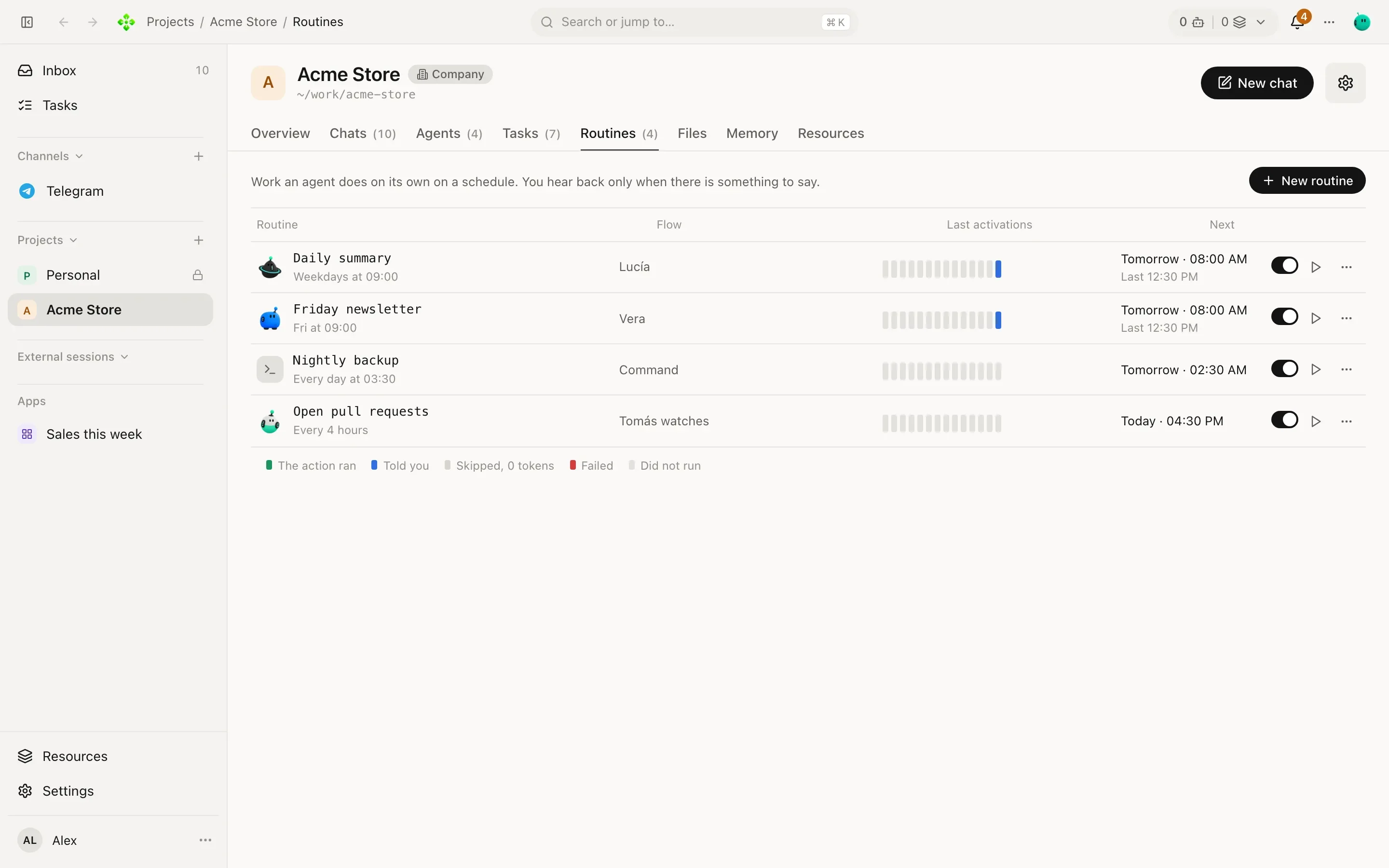
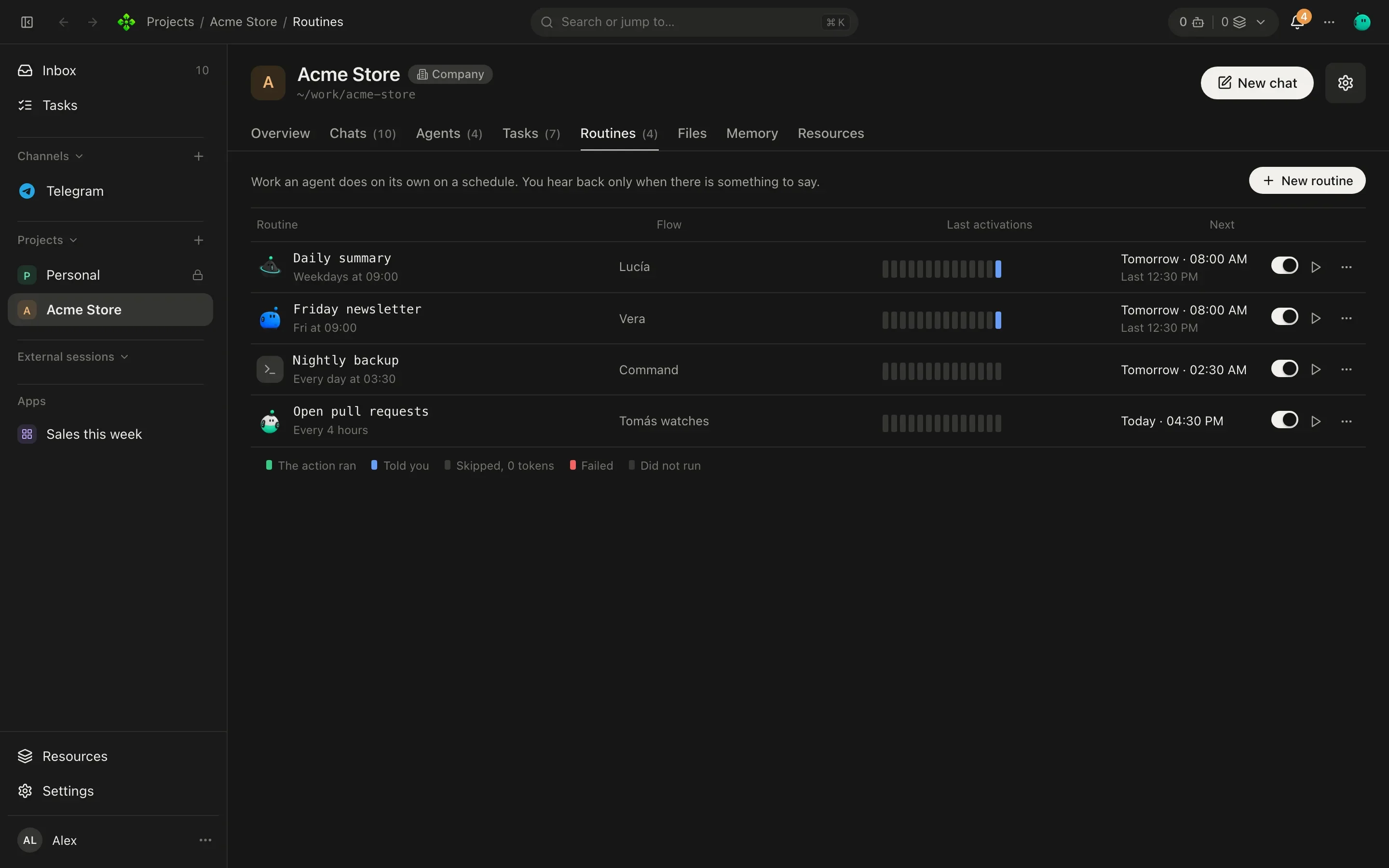
Routines live in each project’s Routines tab (Home’s are in the base project). New routine opens the editor.
Actions
Section titled “Actions”Each routine does one of four things:
| Action | What happens |
|---|---|
| Agent | An agent (Home or one of the project’s) answers your prompt. It tells you only when it has something to say. |
| Message | Sends you a fixed message on your channel (Telegram, WhatsApp…). No model. |
| Shell | Only runs a command in the project’s folder. No model, no notice. |
| Watcher | Sweeps your work for what is worth a word (late tasks, commitments coming due, quiet projects) and calls the model only when something is new. |
| Team news | Tells you in one message what your other agents’ routines and notices had for you; while one is on, they don’t write to you on their own. Calls the model only when there is news. |
Schedules
Section titled “Schedules”| When | Example |
|---|---|
| On a schedule | Pick days and time (“Weekdays at 08:30”), or Write a cron: five fields, in your local time. 30 8 * * 1-5 is weekdays at 08:30. |
| Every | Every N minutes, hours, days or weeks. At least 5 minutes. |
| Once | A single date and time. |
| By hand | Only when you press Run now. |
A run missed while the core was off runs once when it comes back, never twice.
Silence is an answer: SKIP
Section titled “Silence is an answer: SKIP”An agent routine’s prompt is your own words. When there is nothing worth telling you this time, the agent answers
only SKIP and nothing reaches you. Write prompts that leave room for that:
Check yesterday’s orders for anything unusual: refunds over 200, a product selling 3× its average, a failed payment. If nothing stands out, answer SKIP.
Commands before and after
Section titled “Commands before and after”Add commands before and after gives a routine a pre-command and a post-command. Both are shell commands you write (agents cannot), run in the project’s folder, two minutes at most and without credentials in their environment.
-
Pre-command runs first. Its output reaches the agent where you write
{{pre_output}}in the prompt (or after the prompt if you don’t), marked as outside data. -
Call the model decides whether the agent runs, from the pre-command’s result:
Option The model is called Always every time If it printed something only when the pre-command printed output If it failed only when the pre-command exited with an error Never never (the commands run alone) -
Post-command runs at the end with what came out, in these environment variables:
Variable Value APX_LLM_OUTPUTWhat the agent answered (or the message) APX_STATUScompleted,failedorskippedAPX_SKIPPED1when the model was not called, else0APX_PRE_OUTPUTThe pre-command’s output APX_PRE_EXITThe pre-command’s exit code
That is how a routine spends 0 tokens on quiet days: Tomás’s pre-command lists the low-stock items, with If it printed something, and the model is called only on the days there are any.
A Message routine uses {{pre_output}} too: “Today’s weather: {{pre_output}}” sends the command’s output as it
is, with no model at all.
Anchors: always arrives
Section titled “Anchors: always arrives”Routine news normally goes through your interruption budget: a daily cap, gaps, quiet hours. Turn on Always arrives for a routine you never want held back, like a morning brief: its news arrives even at night or past the cap, and does not count against it.
Run now and the activation bars
Section titled “Run now and the activation bars”Run now starts a routine immediately, whatever its schedule. Each routine shows its last activations as 14 bars, oldest to newest:
| Bar | Meaning |
|---|---|
| The action ran | It ran and had nothing to tell you. |
| Told you | It ran and sent you something. |
| Skipped, 0 tokens | The model was not called (the pre-command did not ask for it, or nothing new to watch). |
| Failed | The run failed. |
| Did not run | A time it should have run and did not. |
Each run is an ordinary chat of its own, so you can open it and see exactly what the agent did.
From the terminal
Section titled “From the terminal”❯ apx routines help apx routines Routines and when they run next apx routines add <name> <prompt…> --agent a [--project p] (--cron "30 8 * * 1-5" | --every 60 | --at <ISO date>) [--pre "<command>"] [--call always|output|fails|never] [--post "<command>"] The pre-command's output reaches the prompt at {{pre_output}} apx routines run <id> Run now apx routines on|off <id> apx routines rm <id> apx routines log <id> Recent runs
With no --cron, --every or --at, the routine runs by hand. --every is in minutes. The CLI creates agent
routines; message, shell and watcher routines and anchors are set in the panel.
# Weekdays at 9: Tomás looks at low stock, only when there is anyapx routines add low-stock "Here is today's low-stock list: {{pre_output}} Draft the reorder for the supplier." \  --agent <tomas-id> --project <acme-id> --cron "0 9 * * 1-5" \  --pre "./scripts/low-stock.sh" --call output
apx routines run <routine-id>     # try it nowapx routines log <routine-id>     # recent runs; "(nothing to say)" marks a SKIP