
Tasks
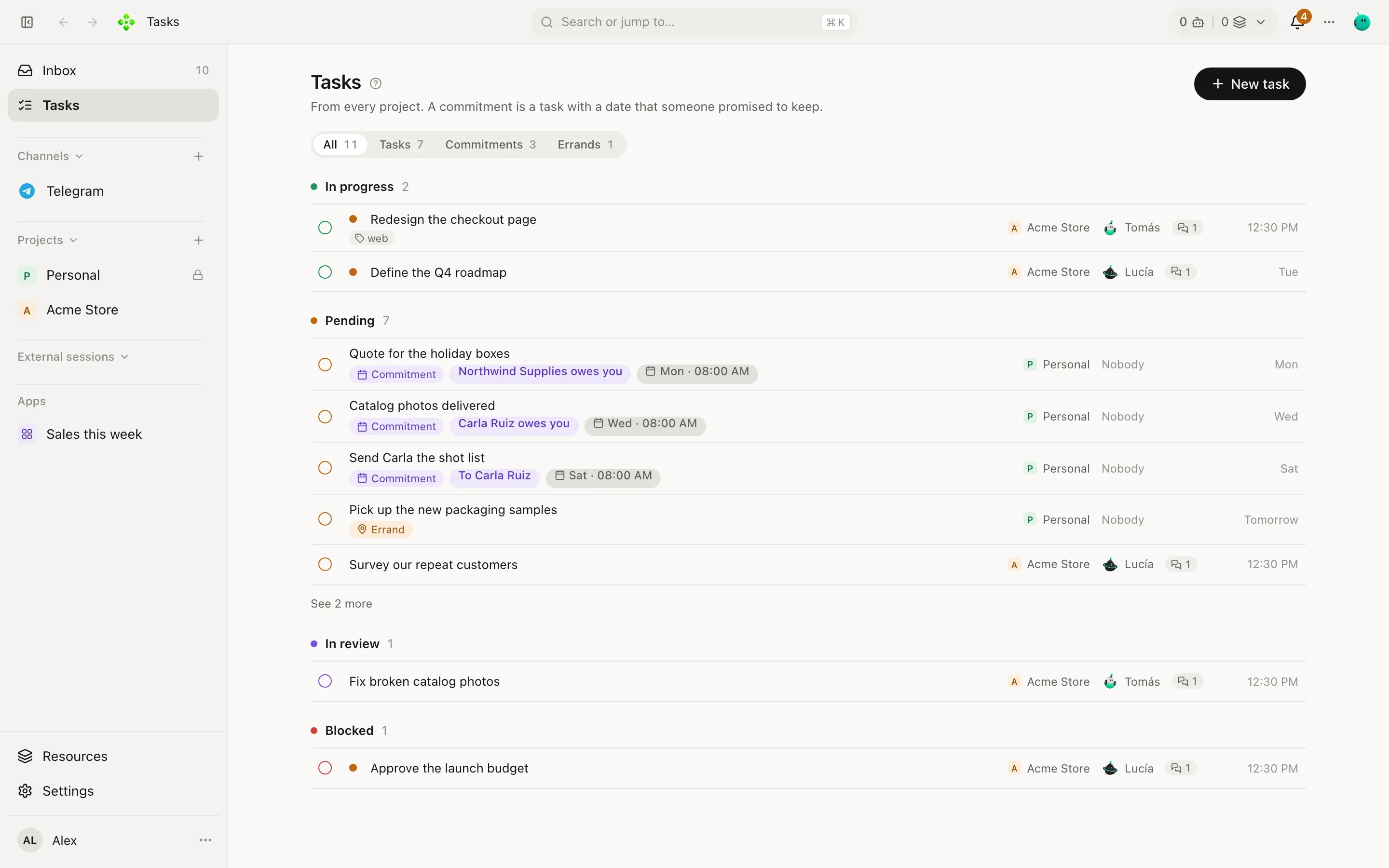
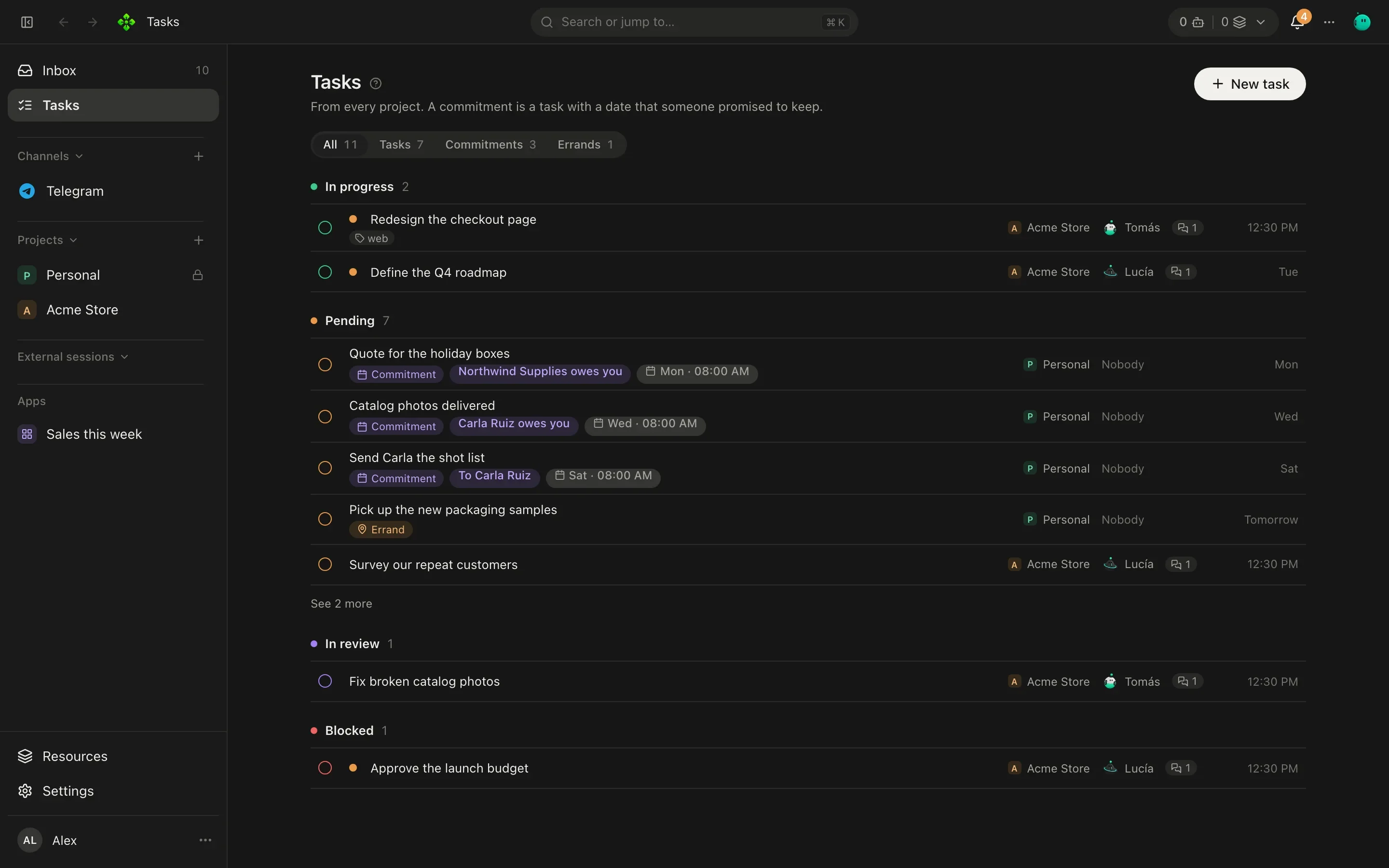
Tasks are the office’s to-do board, shared by you and your agents. You create them, agents create them, and giving one to an agent is enough for it to start. Tasks in the sidebar shows them from every project; each project has its own Tasks tab with New task.
What a task has
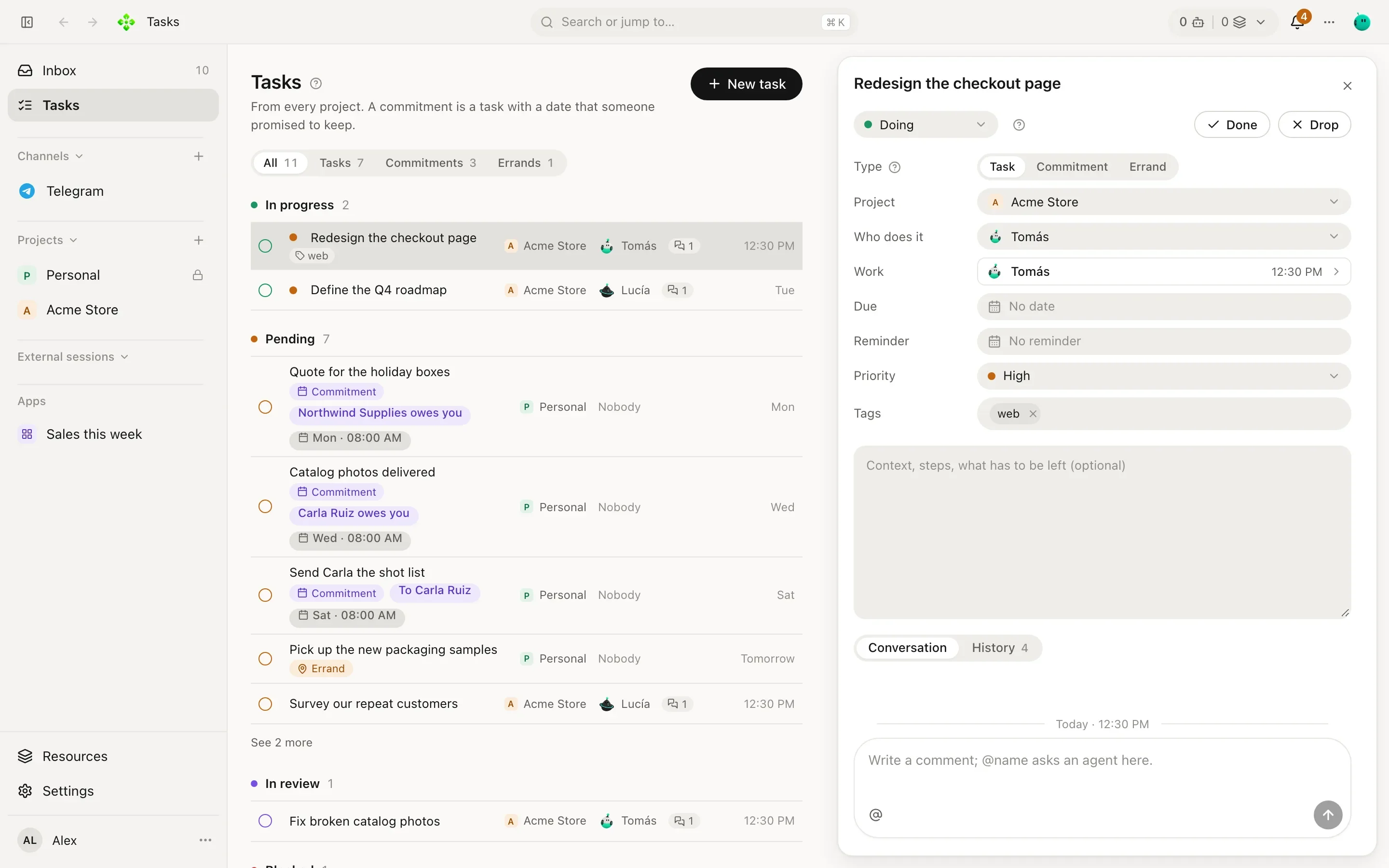
Section titled “What a task has”| Field | Values |
|---|---|
| Type | Task (work in a project), Commitment (something promised with someone) or Errand (something small to do on the way: buy, call, pick up). |
| Column | Backlog (just arrived, new tasks land here), To do (decided, it is next), Doing (someone is on it now), Review (finished, waiting for a check). |
| Priority | Urgent, High, Normal, Low. |
| Who does it | An agent, or nobody. Picking a project’s agent puts the task in that project. |
| Due date and reminder | When it is due, 1 hour before, 1 day before, another time, or no reminder. |
| Tags | Free words (client, launch…). |
Done and Drop close a task; Reopen brings it back. The filter at the top switches between All, Tasks, Commitments and Errands.
How the list is grouped
Section titled “How the list is grouped”- In progress: its column is Doing, or an agent is working on it right now.
- Pending: Backlog or To do, nobody started it yet.
- In review: finished, waiting for someone to check it.
- Blocked: waiting for your answer. An agent asked you something, or you marked it Waits for your answer from the task’s menu.
- Closed recently: done or dropped, newest first.
Assigning starts the work
Section titled “Assigning starts the work”Give a task to an agent (when you create it, or later) and it starts working right away, in its own chat for that task. That chat is a normal chat listed in the Inbox: you can open it and watch, or talk to the agent there.
- Lucía creates “Write the shipping rates page” in Acme Store and picks Tomás in Who does it.
- Tomás’s chat for the task opens with the task’s words and he starts: reads the project, drafts the page.
- Each time a turn of his ends, his answer is posted to the task as his comment. The task keeps the conversation about the work; the chat keeps the work itself (every tool call, every file).
- When he needs a decision, he asks you. The task moves to Blocked until you answer.
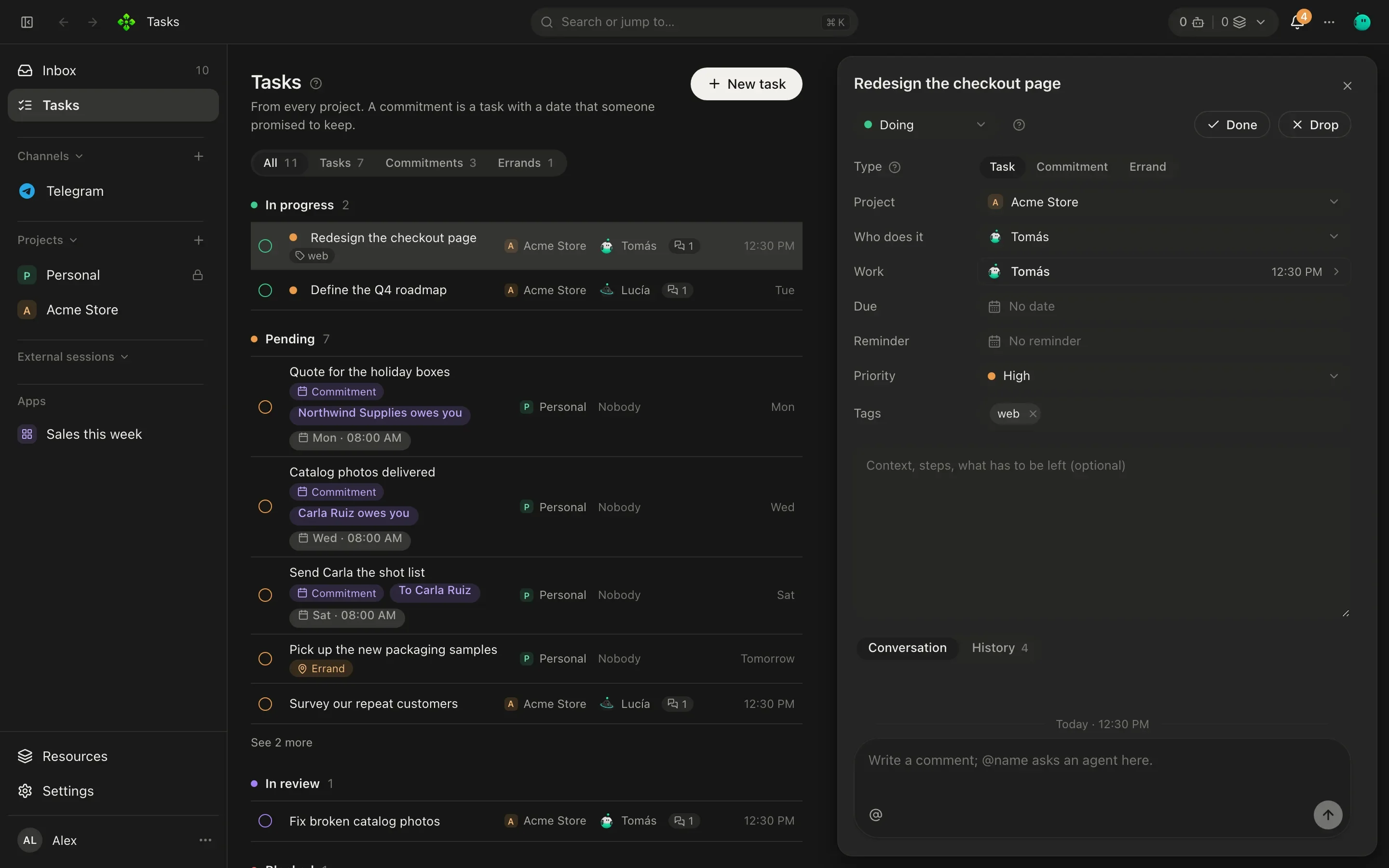
Open a task and its drawer shows the description, the fields, the Conversation (comments) and the History (who created, moved, assigned or closed it). Open Tomás’s chat for this task jumps to where the work happens. If you reassign it, the new agent gets its own chat and is told who worked on it before.
Assigned tasks that never started are picked up on their own: once an hour, the most pressing few get started.
Comments and @mentions
Section titled “Comments and @mentions”Write in the task’s Comment box. An @name asks that agent: it answers in its own chat for the task, and its
answer comes back as a comment. Ask Vera from Lucía’s task:
@Vera can you have the product photos by Thursday? This page needs them.
Agents can mention each other the same way (two hops deep at most), and an agent can mention you to get your attention.
When an agent’s task closes
Section titled “When an agent’s task closes”A task one agent created and gave to another reports back when it closes. Your main agent can hand a whole goal to a project’s orchestrator as a task; when the orchestrator closes it, hours and restarts later, your main agent gets its report in the chat where it created the task and tells you what matters. Closing a task yourself, or an agent closing its own, wakes nobody. That turn counts toward the turns agents start on their own without you: past the limit, the report waits until you write in that chat.
Sub-tasks
Section titled “Sub-tasks”A task can name a parent task, so “Spring launch” can hold the photos for Vera and the rates page for Tomás.
Commitments
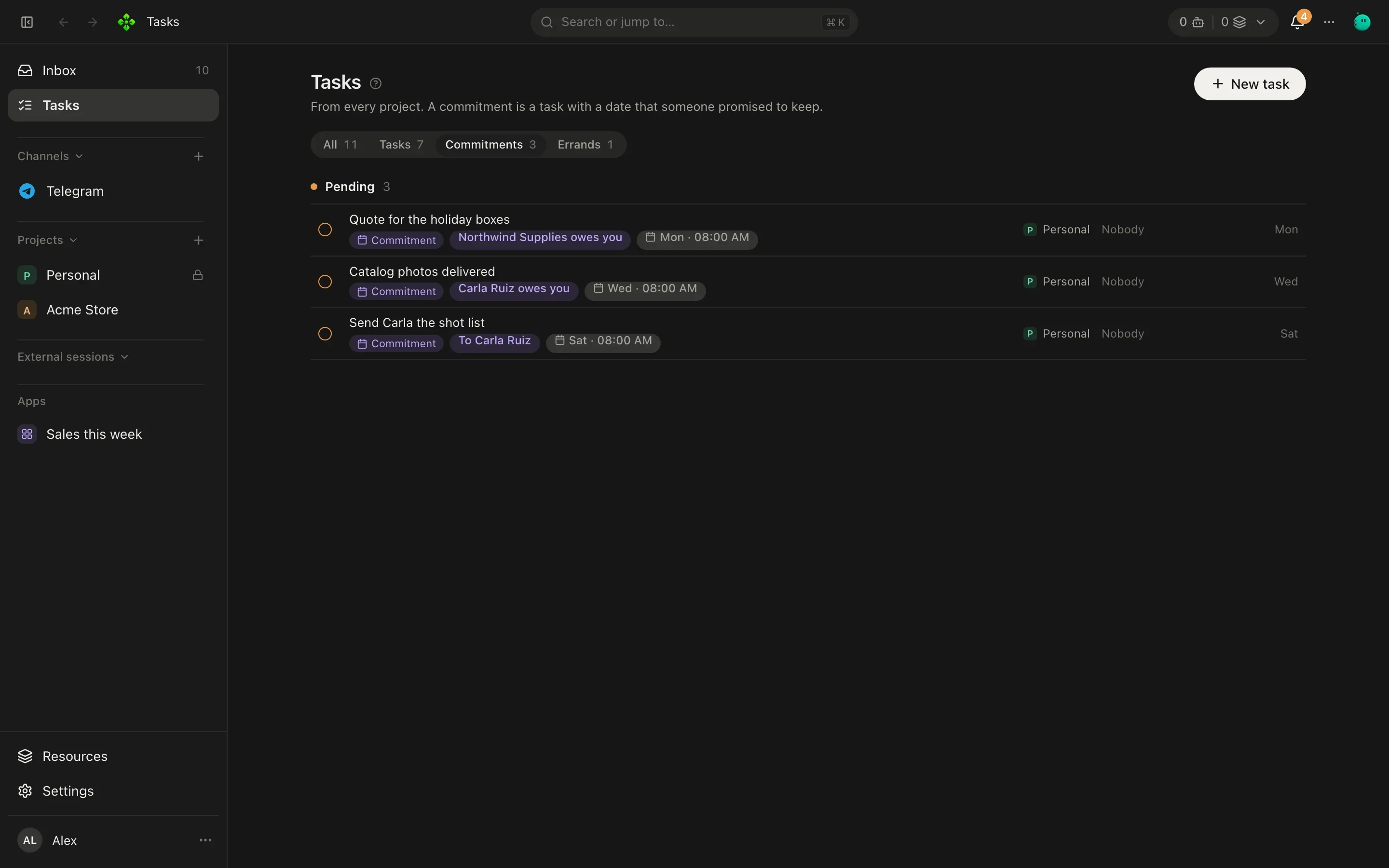
Section titled “Commitments”A commitment is a task with a person (one of your contacts) and who owes it: I owe it (you promised something to someone) or They owe me (someone promised something to you). It has a due date like any task, so it is reminded and raised before it is late.
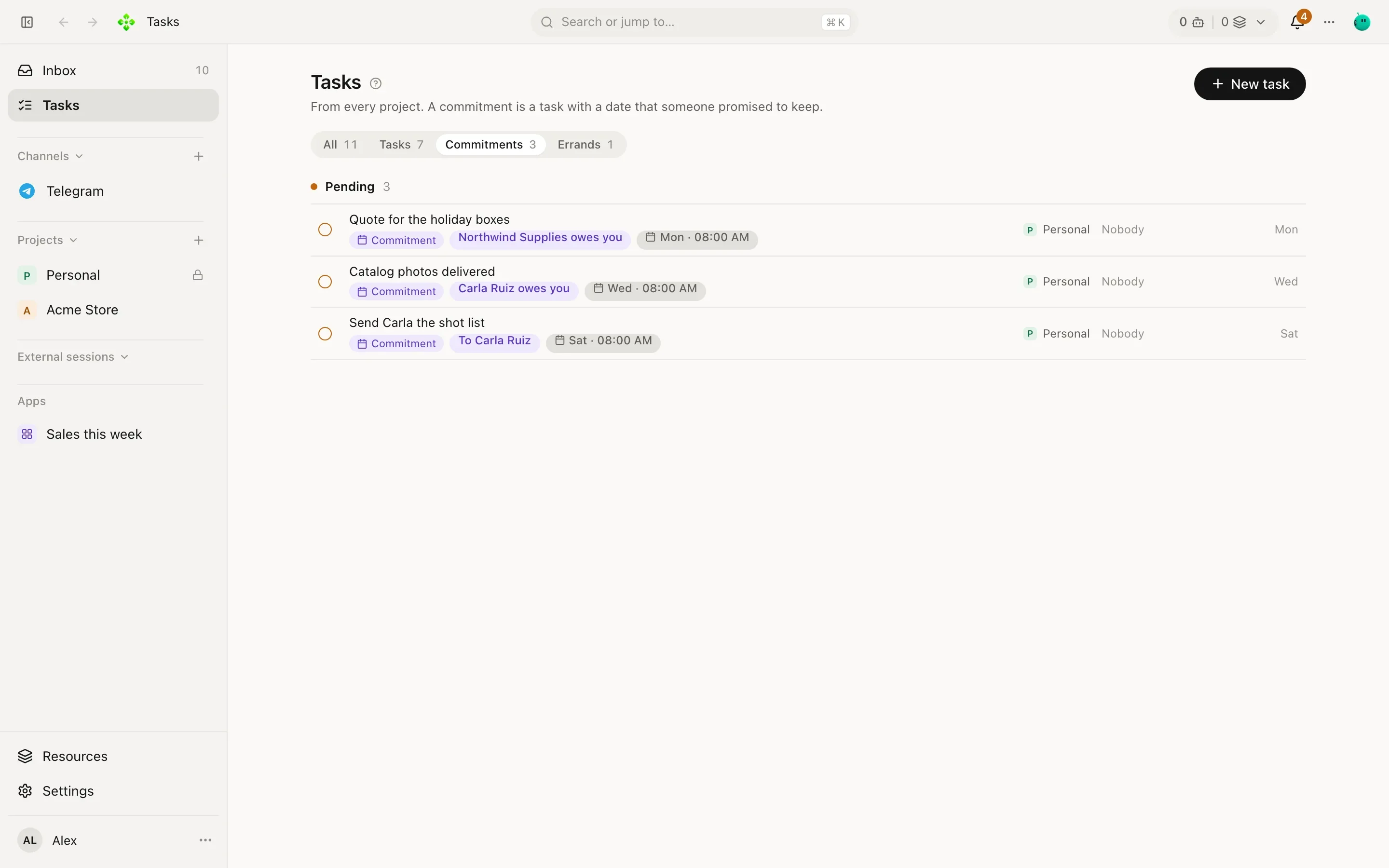
A commitment ends one of three ways, or gets a new date:
| Action | What it records |
|---|---|
| Kept | Delivered. Closes it as done. |
| Missed | Its date passed undelivered. Closes it. |
| Release | Released by agreement. Closes it. |
| New date | Renegotiated: it stays open with the new date, and a counter shows how many times it moved. |
Only your word settles a commitment. Agents never mark one kept or missed on their own: the day-close routine asks you how they went, and the agent records your answer (see Secretary).
From the terminal
Section titled “From the terminal”❯ apx tasks help apx tasks [--project p] Open tasks by column apx tasks add <title…> [--project p] [--agent a] [--person name --owed me|them] [--due 2026-10-05] apx tasks commitments What you owe and what you are owed apx tasks move <id> <column> apx tasks done|drop|reopen <id> apx tasks say <id> <text…> Comment; @agent asks that agent there
A few examples (agent and project ids are the ones apx agents and apx projects print):
# A task for Tomás in Acme Store: he starts on it at onceapx tasks add Write the shipping rates page --project <acme-id> --agent <tomas-id>
# You promised Marta (a contact at Northwind) a quote by Fridayapx tasks add Send the wholesale quote --person Marta --owed me --due 2026-10-10
# Move it, comment on it, close itapx tasks move <task-id> reviewapx tasks say <task-id> @Lucía please check the copy before Fridayapx tasks done <task-id>
Columns for move are backlog, todo, doing and review.