
Memory
Memory in APX is a set of short notes: “Alex prefers numbers before prose”, “Deploys go out on Fridays”, “The supplier’s contact is Northwind”. Each note has an owner and a scope, you can read every one of them, and nothing gets written behind your back.
Three scopes, plus a file
Section titled “Three scopes, plus a file”| Scope | About | Who sees it |
|---|---|---|
| Global | You: your preferences, the people in your life, how you work. | Every agent. |
| Project | One project: decisions, conventions, how things are done there. | Every agent, in every chat of that project. |
| Agent | One agent’s own notebook. | Only that agent. |
And then there is .apc/memory.md, a file in the project that you write by hand. Agents always read it and
never write it: it is the place for fixed rules you don’t want any agent to edit. See Projects.
Who writes notes
Section titled “Who writes notes”Two ways, both visible:
- You. Add a note in a project’s Memory tab, or with
apx memory add. Or just tell an agent “remember that…”. - An agent, with its
remembertool, when it learns something worth keeping. Inside a project it saves to the project by default, otherwise to the global notes. It can correct its own notes and remove one withforget.
There is no silent extraction: APX doesn’t mine your chats for facts in the background. A note exists because you or an agent deliberately saved it, and the chat shows a “Remembered: …” step when an agent does.
Agents can’t edit or remove the notes you wrote. And some notes wait for you:
- To confirm. A global note an agent wrote about you only stands in every chat once you confirm it. Until then it shows up only when it matches what you said.
- From outside content. A note saved while a web page, a channel message or another agent’s text was in the turn is marked as such. Agents read it as data, not as your word, until you edit it to vouch for it.
How notes reach a turn
Section titled “How notes reach a turn”Notes never go in the system prompt. Instead, when an agent answers in a thread:
- On its first turn in that thread it gets its standing notes: up to 8 of the global ones and up to 8 from its own notebook, newest first, plus up to 5 notes that match your message.
- On later turns it gets only new matches it hasn’t seen in that thread.
- Whenever it needs something specific, it searches with its
recalltool.
Keeping notes out of the system prompt keeps the start of every request identical, so the provider can cache it and each turn costs less.
Words or meaning
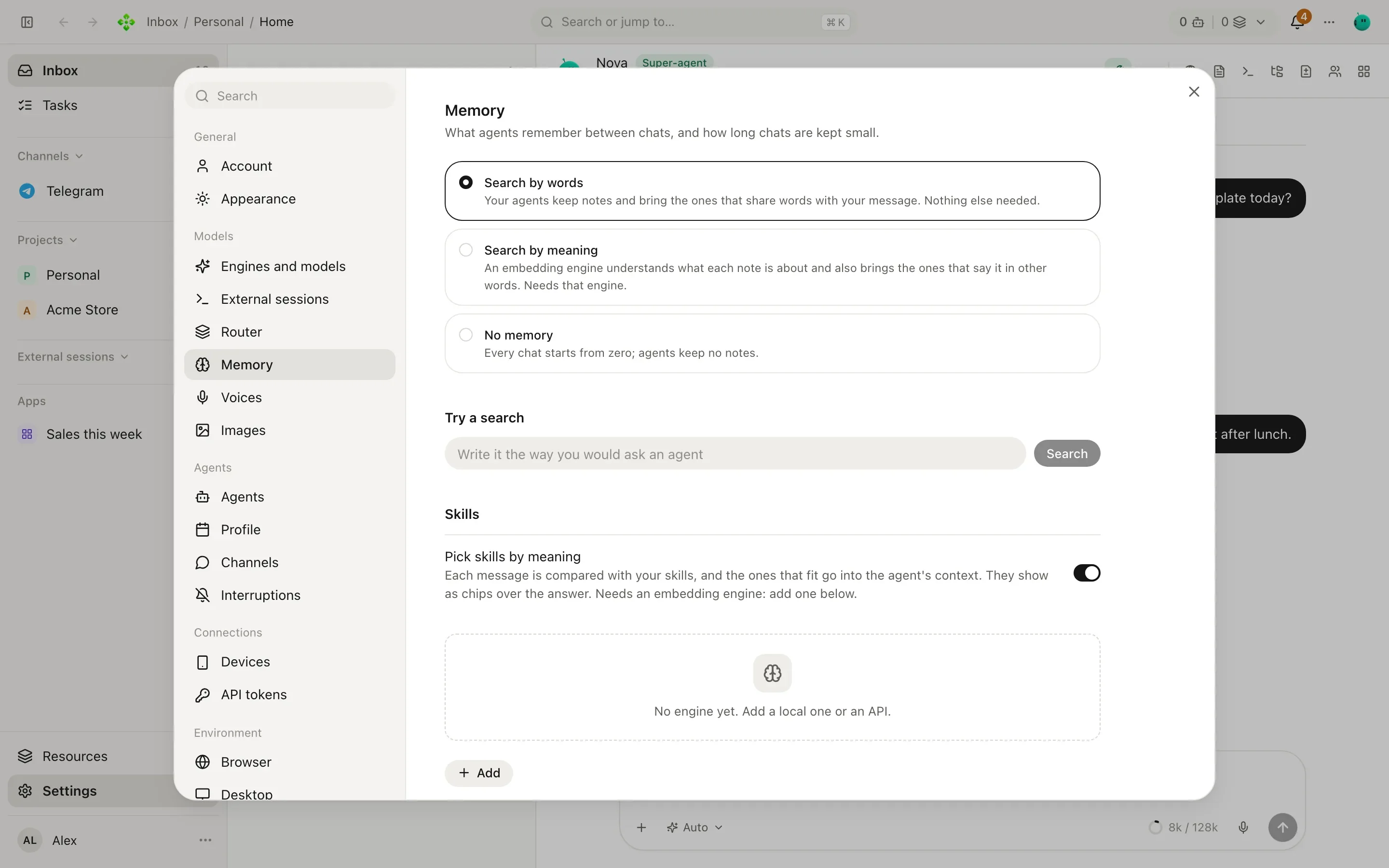
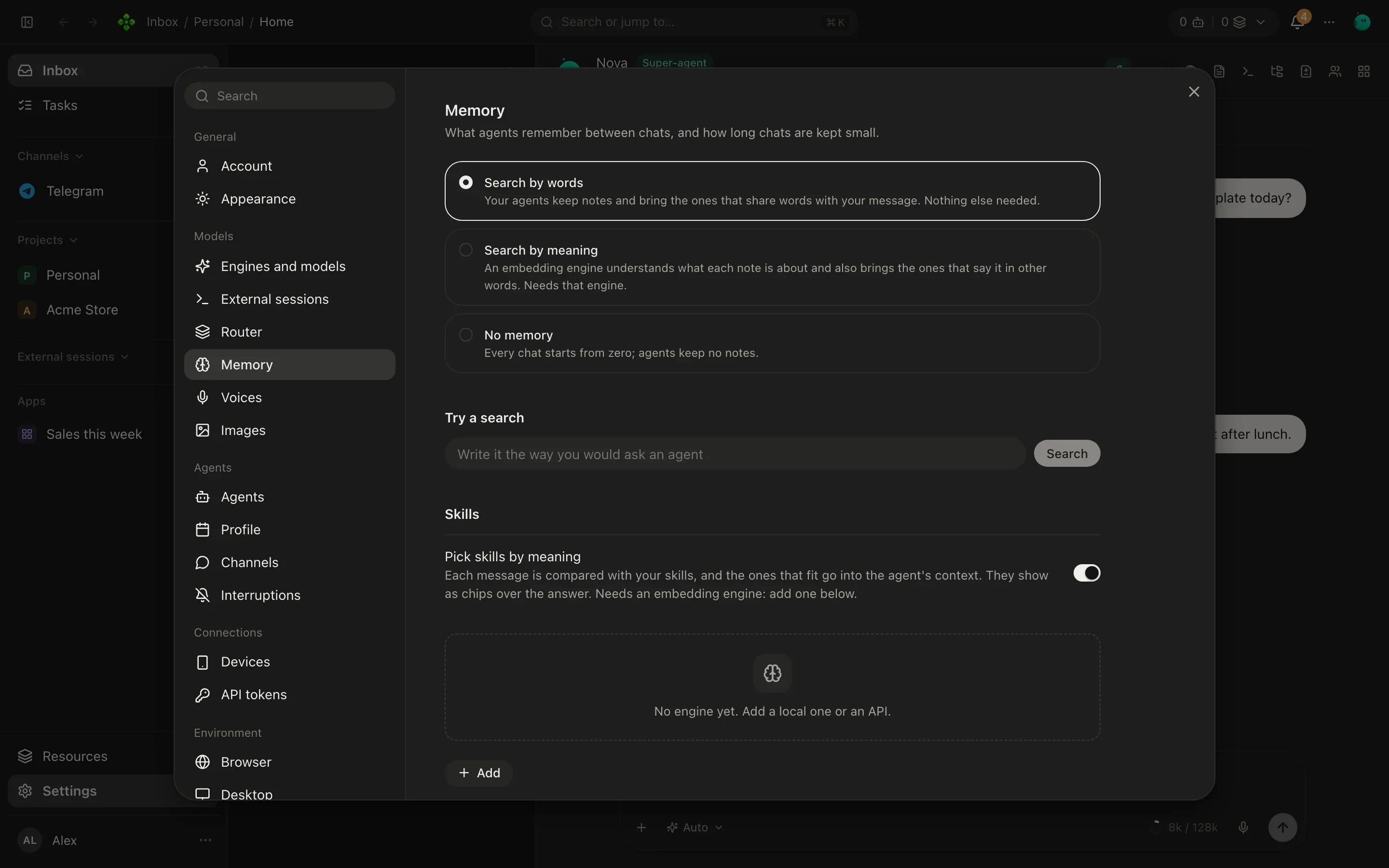
Section titled “Words or meaning”Settings › Memory picks how notes are found:
| Mode | How it works |
|---|---|
| Search by words | The default. Notes that share words with your message come up (accents ignored). Nothing else to set up. |
| Search by meaning | An embedding engine understands what each note is about, so “when is the team offsite?” also finds “The retreat is on June 3”. Needs an embedding engine. |
| No memory | Every chat starts from zero; agents keep no notes. |
For search by meaning, add an embedding engine under Embedding engines: a local Ollama, or Gemini or OpenAI with a key. They are tried in order and the first that answers is used. Index now indexes your existing notes and Try a search lets you check what a question would bring back.
The same screen holds two related switches:
- Pick skills by meaning: each message is compared with your skills and the ones that fit are offered to the agent. See Skills.
- Summarize long chats and the Helper model that writes the summaries and chat titles (Automatic, a model you choose, or Off). See Conversations.
See, confirm and undo
Section titled “See, confirm and undo”A project’s Memory tab shows its notes and lets you switch between This project, Agents’ notebooks, About you and Forgotten. Search them, add one, edit or remove any.
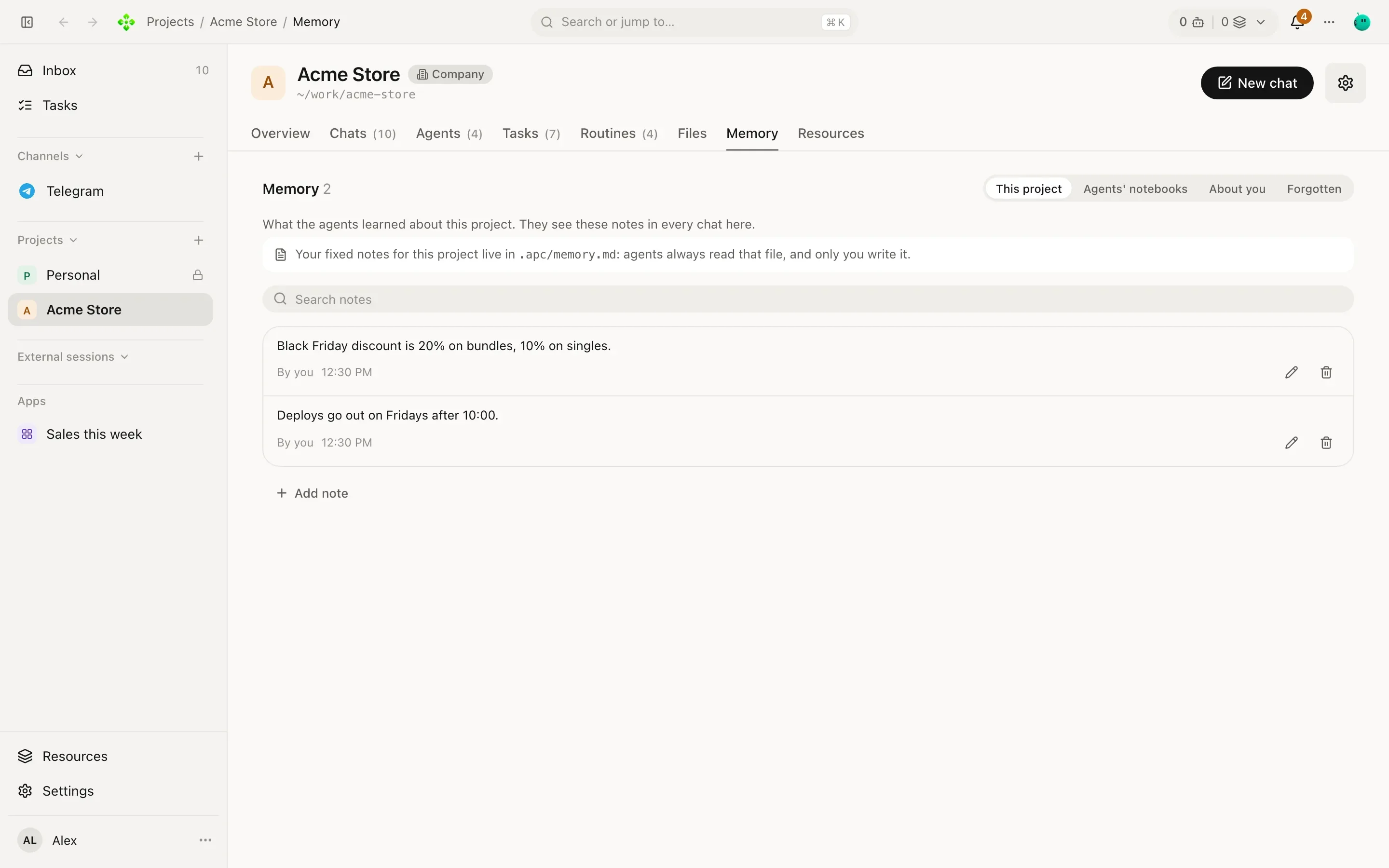
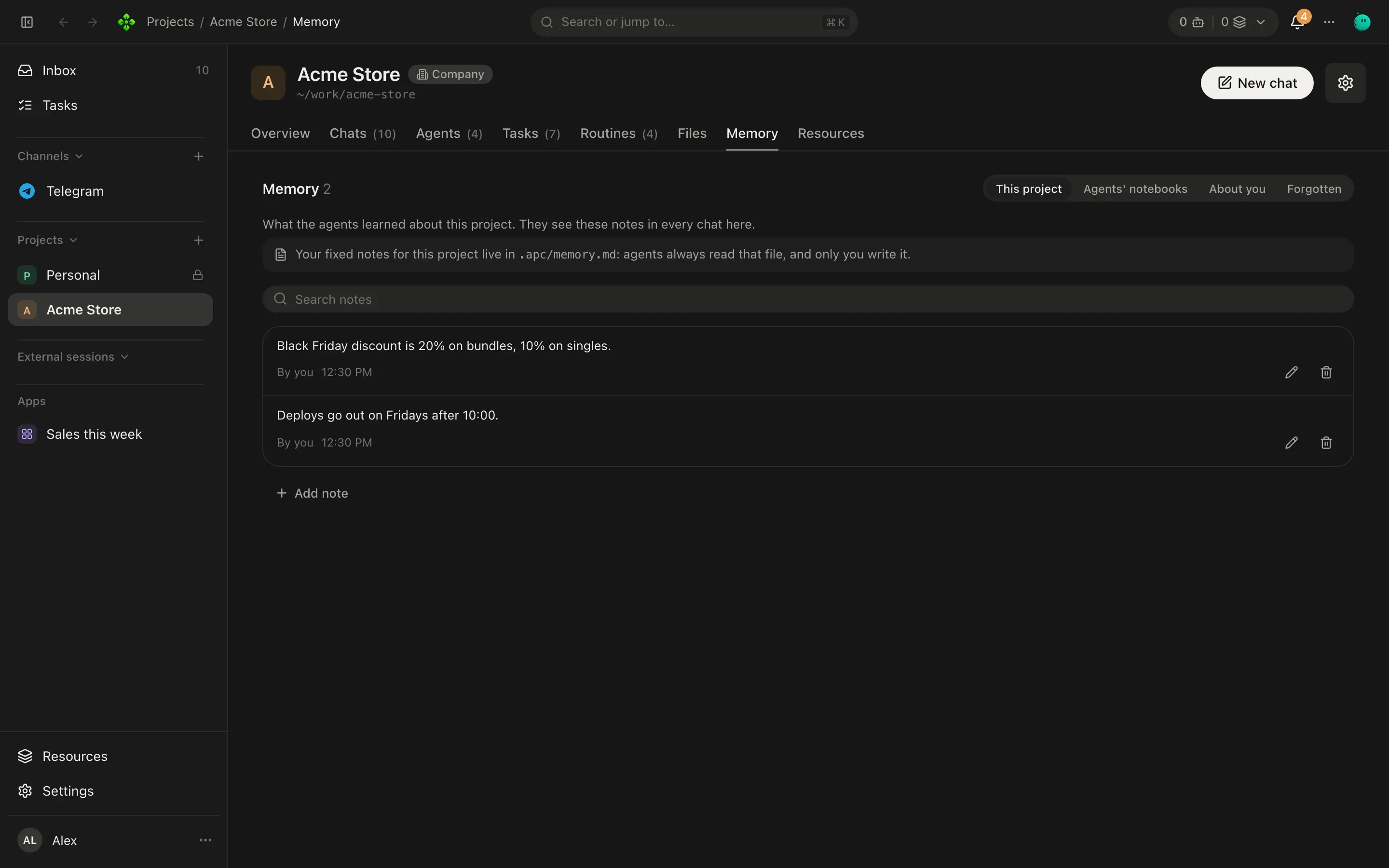
- A note To confirm has a Confirm button and a link to the chat where the agent learned it.
- Forgetting is reversible. A removed note goes to Forgotten, where no agent sees it; Bring back restores it and Delete for good really deletes it.
From the terminal
Section titled “From the terminal”List the newest notes, or the best matches for some words:
❯ apx memory deploy
mem_2a9f4c01d7b6e358  project:p_3f9a1c0d7e21   you   Deploys go out on Fridays.
mem_81c3e0b5a4f2d917  agent:3f9a1c0d7e21-tomas 3f9a  Run the checkout tests before any deploy.
Add one. The scope defaults to global, or to project or agent when you pass --project or --agent:
❯ apx memory add project "Free shipping starts at $50." --project p_3f9a1c0d7e21
mem_c47e19a20b85f6d3  project:p_3f9a1c0d7e21
Remove notes by id:
❯ apx memory rm mem_c47e19a20b85f6d3
mem_c47e19a20b85f6d3  removed
apx memory --json prints the notes as JSON.