
Outside clients
APX is also an MCP server. Register apx mcp in Claude Code, Codex or any other MCP client, and that app can ask your
APX agents things and drive APX’s embedded browser.
What the client gets
Section titled “What the client gets”apx mcp is a stdio MCP server that forwards to your running core. What it offers depends on the token it starts
with:
| Started with | Tools |
|---|---|
| No token | browser_*: tabs, open, navigate, snapshot, click, type, screenshot, text, history, handoff, close |
| A token with the Chat scope | apx_agents, apx_ask, apx_read |
| A token with Chat and Browser | Both sets |
apx_agentslists your agents.apx_askasks one and waits up to 5 minutes for the answer. Pass thethreadit returns to continue the chat.apx_readreads a chat the client started.
The browser tools need the APX desktop app open, since it owns the browser. Password, one-time-code and card fields
are refused: browser_handoff hands the tab to you to log in.
Create a token
Section titled “Create a token”Each app gets a token of its own. It’s shown once; APX keeps only a fingerprint.
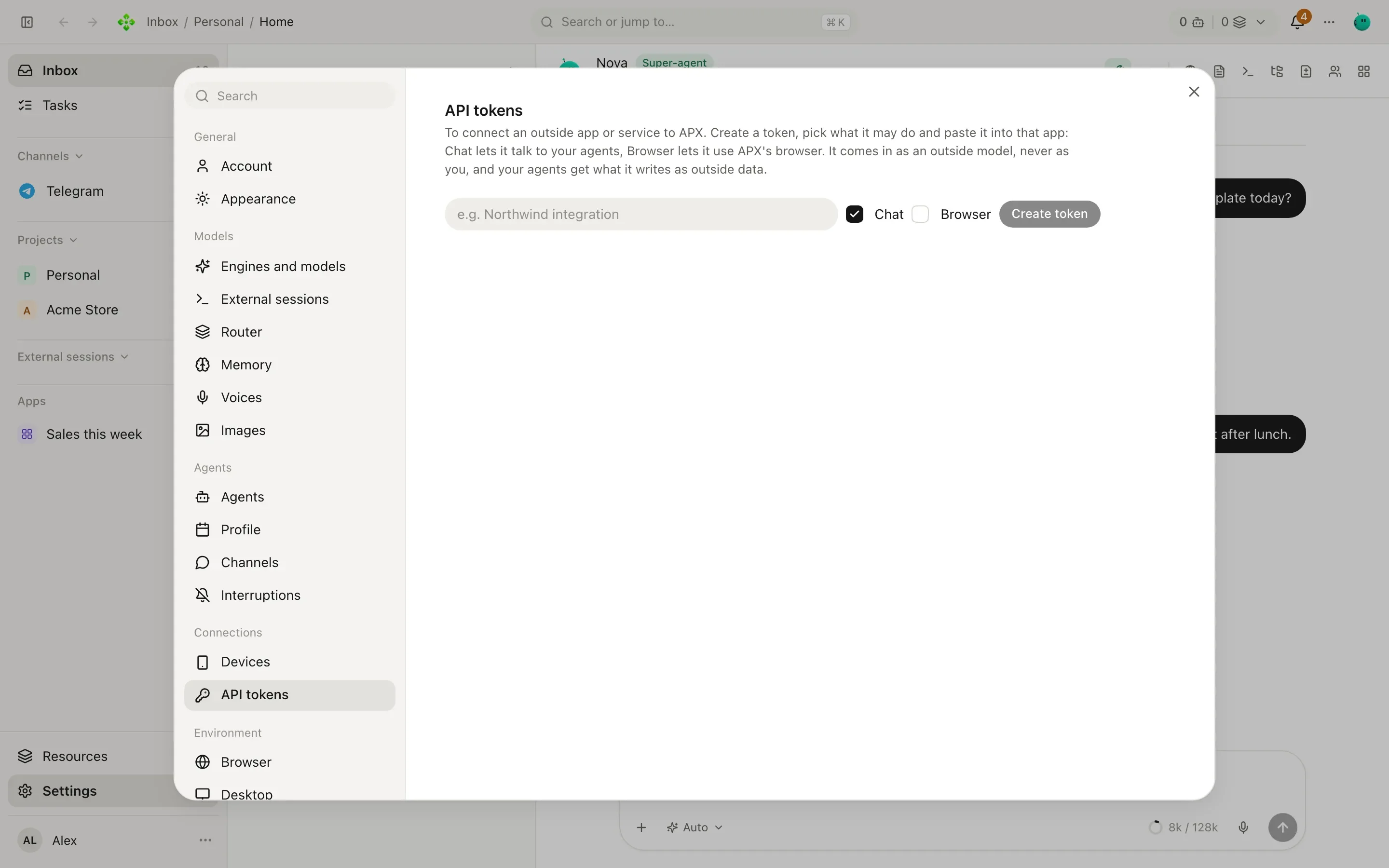
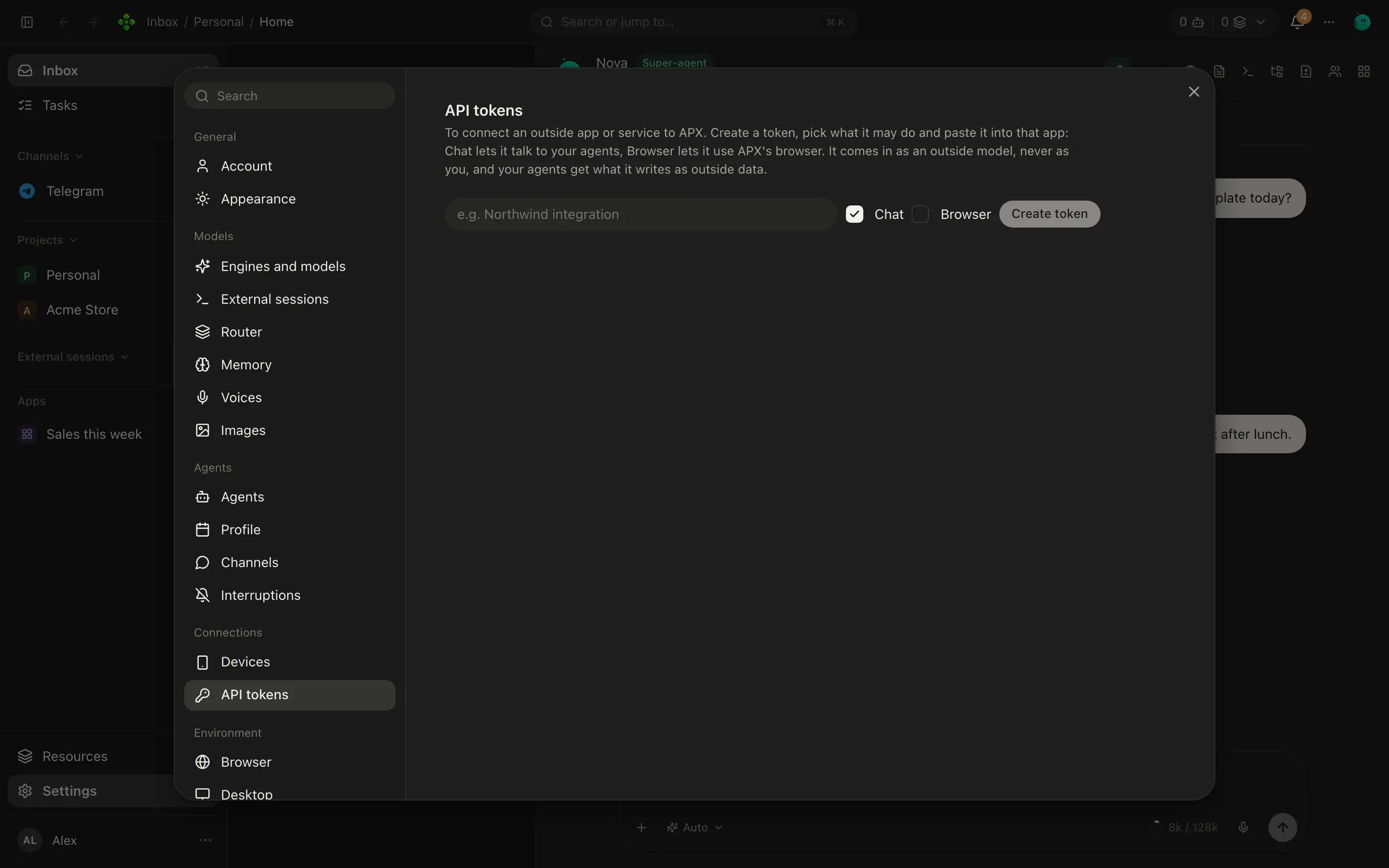
In Settings › API tokens, type an App name, tick Chat and/or Browser, and press Create token. Copy it right away. Each token shows when it was last used, and Revoke removes it.
apx clients add claude-code # scope chatapx clients add codex --scopes chat,browserapx clients # list, with last useapx clients rm <id> # revokeRegister APX in your client
Section titled “Register APX in your client”claude mcp add apx --scope user -e APX_CLIENT_TOKEN=<token> -- apx mcpclaude mcp add apx-browser --scope user -- apx mcp # browser only, no tokenclaude mcp list--scope user makes it available in every project.
codex mcp add apx --env APX_CLIENT_TOKEN=<token> -- apx mcpcodex mcp list{ "command": "apx", "args": ["mcp"], "env": { "APX_CLIENT_TOKEN": "<token>" }}If apx isn’t on the client’s PATH, use the full path that command -v apx prints. For a core on another port or
machine, add APX_URL to the environment too.
Then just ask, in Claude Code for example: “ask my APX secretary what’s due this week”. Or, with the browser scope: “open the Acme Store admin in the APX browser and check today’s orders”.
Teach the client about APX
Section titled “Teach the client about APX”APX copies a few skills into Claude Code, Codex, Cursor and ~/.agents at every start, so those apps know how to use
apx and these tools. See Skills.
When the tools don’t show up
Section titled “When the tools don’t show up”-
Run
apx status: is the core running? -
Run
apx mcpin a terminal. It should wait silently (Ctrl-C to quit). Any error here is the real one. -
Only browser tools, no
apx_*: the token is missing or was revoked (apx clients). -
A token but no browser tools: its scopes leave the browser out (
--scopes chat,browser). -
Browser calls fail as unavailable: the desktop app isn’t open.