
Extensions
An extension is a folder with an apx-extension.json that brings several things together: skills, MCP servers,
routine templates, the secrets they need and, optionally, a sandboxed plugin. APX reads the manifest without running
anything, installs it off, and turning it on approves exactly the files it had.
Do you need one?
Section titled “Do you need one?”Start with the smallest thing that does the job:
| You want | Make |
|---|---|
| Know-how for one project’s agents | A project skill in .apc/skills/ |
| One more MCP server for your agents | apx mcps add (see MCP servers) |
| Skills, servers and routines that travel together, shared or reused | An extension |
| Code that watches events or adds context to your turns | An extension with a plugin |
A real example: daily brief
Section titled “A real example: daily brief”APX’s repository ships examples/extensions/daily-brief: one skill and a weekday routine that uses it.
Directorydaily-brief/
- apx-extension.json
Directoryskills/
Directorydaily-brief/
- SKILL.md
{ "id": "daily-brief", "name": "Daily brief", "version": "1.0.0", "description": "A short morning brief: open tasks, what is due, what others owe you.", "skills": "skills", "routines": [ { "name": "Morning brief", "schedule": { "kind": "cron", "cron": "30 8 * * 1-5" }, "prompt": "Use the daily-brief skill to write my morning brief." } ]}The skill tells the agent to read your open tasks and commitments, write at most eight lines, and answer SKIP when
there’s nothing worth saying (a routine that answers SKIP tells nobody).
The manifest
Section titled “The manifest”The schema is strict: unknown keys are refused.
| Field | What it holds |
|---|---|
id | Lowercase letters, digits, _ and -, up to 20 characters. |
name, version | Required. description is optional, up to 500 characters. |
skills | A folder of skill folders, each with its SKILL.md. |
mcp | Servers by name (letters, digits and _): command + args + env, or url + headers. A command starting with ./ runs from the extension’s folder. |
routines | Templates with a name, a schedule (cron, every N minutes with N of 5 or more, or once) and a prompt. |
secrets | Up to 10, each with a name, a label and an optional url where to get it. You type each value once. |
plugin | Optional code; see below. |
An MCP server in an extension can only use the extension’s own secrets, as secret://name. It can’t name your
other variables or the environment, so a bundle can’t carry your credentials elsewhere.
"mcp": { "crm": { "command": "node", "args": ["./server.mjs"], "env": { "CRM_TOKEN": "secret://token" } }},"secrets": [{ "name": "token", "label": "CRM API token", "url": "https://example.com/settings/tokens" }]Install it
Section titled “Install it”-
Open Resources › Extensions and press Install.
-
Paste the folder’s path, press Inspect to see what it brings, then Install.
-
It arrives off. Fill in its keys (Edit), then turn it on.
-
Its routines are suggestions: Add to Routines puts one in Routines, turned off until you turn it on.
apx extensions inspect ~/work/daily-brief # what it would bring; nothing is installedapx extensions install ~/work/daily-brief # copied in, offapx extensions secret <id> <name> # a declared secret's value, on stdin (--clear removes it)apx extensions on daily-briefapx extensions # installed ones, on or offapx extensions off daily-briefapx extensions rm daily-brief❯ apx extensions install ~/work/daily-brief daily-brief Daily brief v1.0.0 · off · 3f9c1a7e5b2d8c40 A short morning brief: open tasks, what is due, what others owe you. skills: daily-brief routines: Morning brief Turn it on with: apx extensions on daily-brief
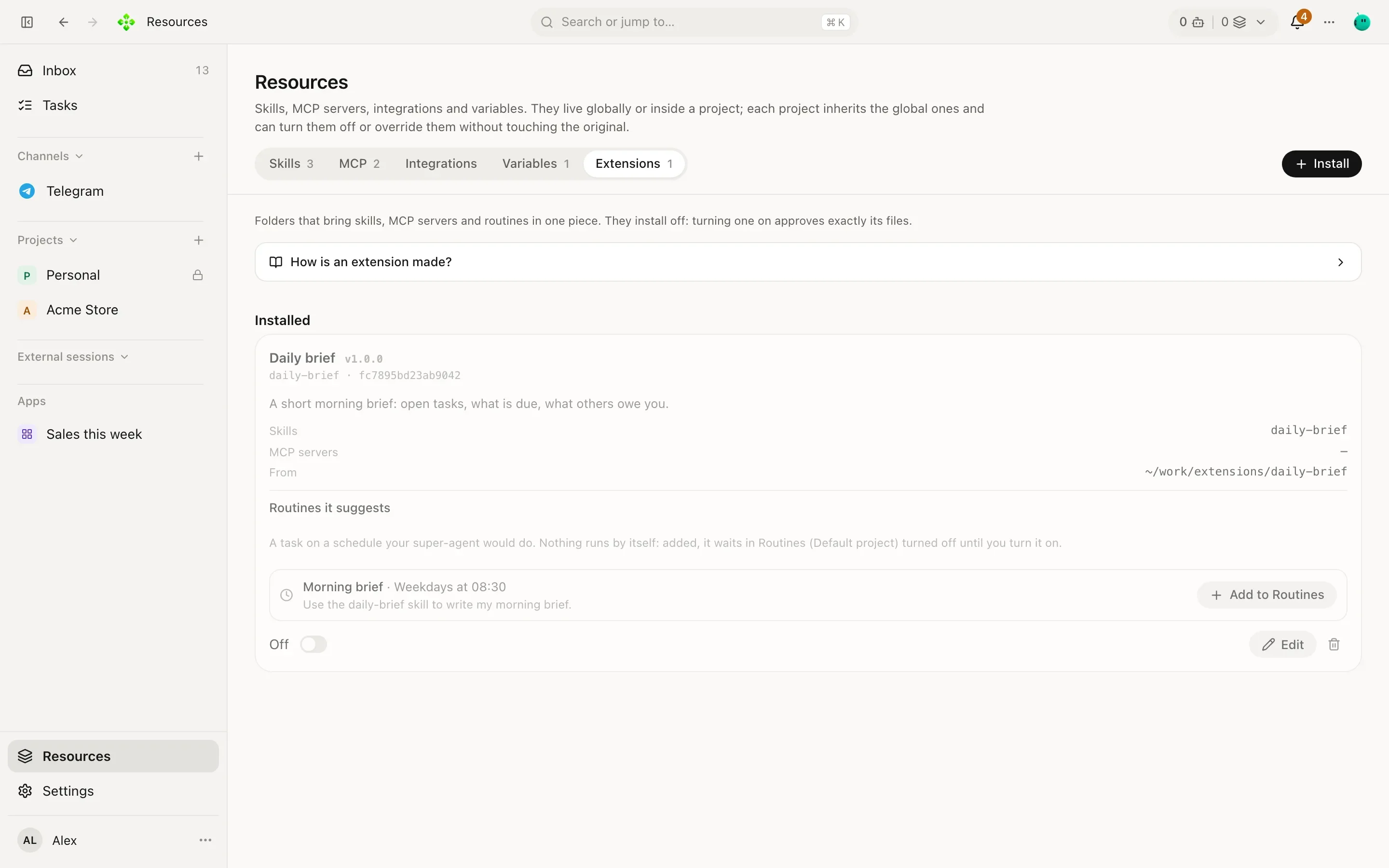
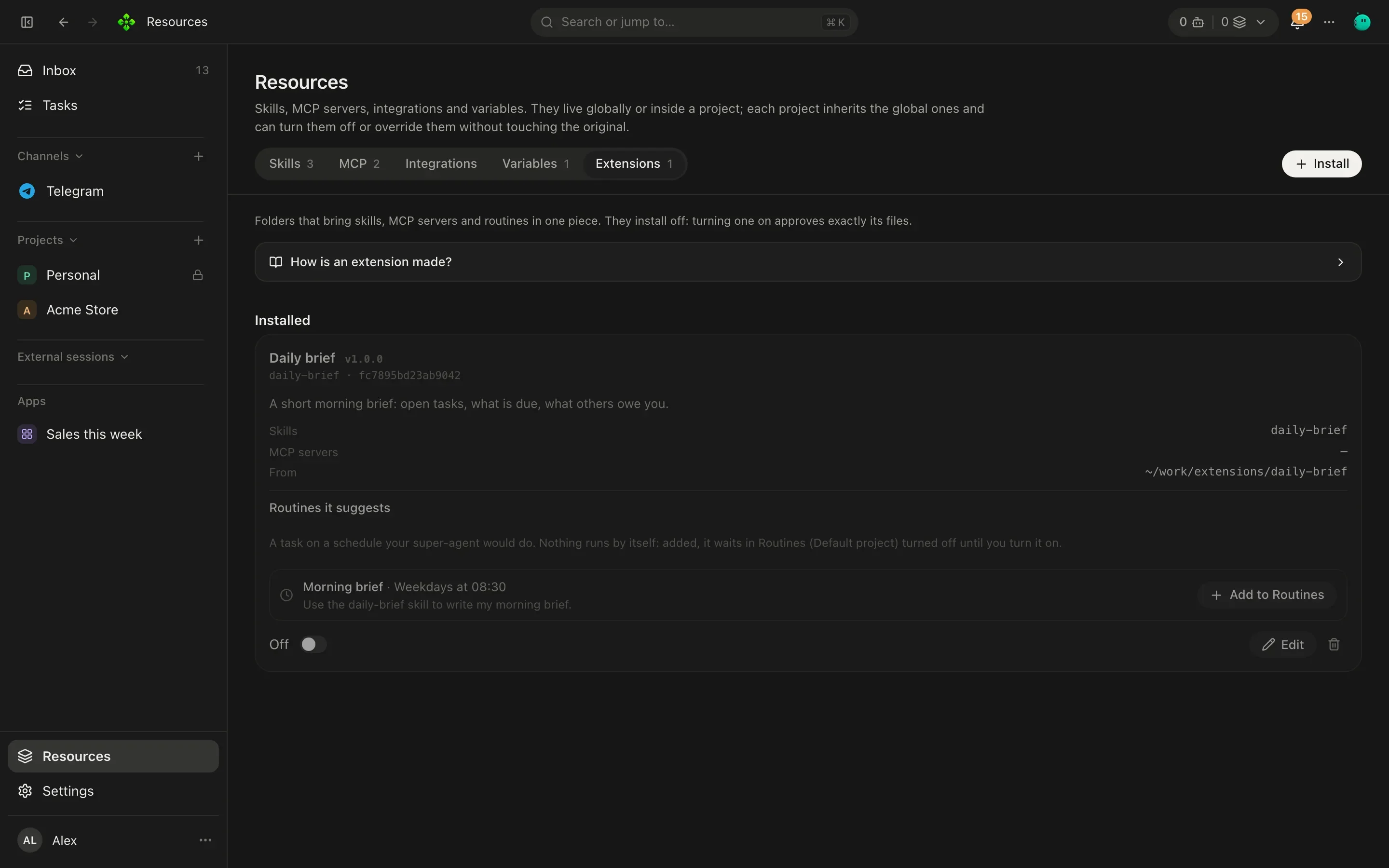
Installing copies plain files into APX’s home and fingerprints them. If the installed copy changes on disk, APX turns the extension off at its next start until you approve it again. To take changes from the original folder, install it again or use Read again in its detail.
Plugins
Section titled “Plugins”When files aren’t enough, an extension can bring a plugin: a .mjs file that runs in its own process, watches events
(a task changed, a message arrived…) and can add context to your turns.
"plugin": { "entry": "plugin.mjs", "observe": ["task.updated"], "context": false, "network": false }It runs sandboxed with Node’s permission model: it reads only its folder, writes only its data folder, starts no
processes and can’t call APX. It reaches the internet only with "network": true, and never this machine. What it
adds as context reaches the agent as outside data, not as instructions.